How to film TikToks on your phone: hook, light, sound, framing, editing and posting
Short answer
You can film a good TikTok on your phone: open with a strong hook instead of a greeting, shoot vertically facing a window, speak close to the mic, keep your face in the upper part of the frame, then cut pauses and add corrected captions. Post with a short description. The same skill wins paid brand tasks, for example on Blogger Bank.
To film a good TikTok on your phone, open with a strong hook in the first seconds, shoot vertically with window light or a lamp in front of you, record clean sound up close, frame your face or product in the upper part of the screen, then cut everything that adds nothing new, add captions and post with a short description. All you need is a phone, a tripod or a stack of books, and the TikTok app or a simple editor.
This skill is useful far beyond your own profile. Brands look for creators who can deliver a clean, well-edited vertical video — and that is exactly what they pay for in tasks, for example on Blogger Bank. Below we walk through the whole process, from the idea for the first shot to publishing, focusing on what really changes the quality of a video.
Gear: what you actually need
You don't need a camera for TikTok. A modern phone records better footage than the platform will show after compression anyway. Three cheap additions make the difference:
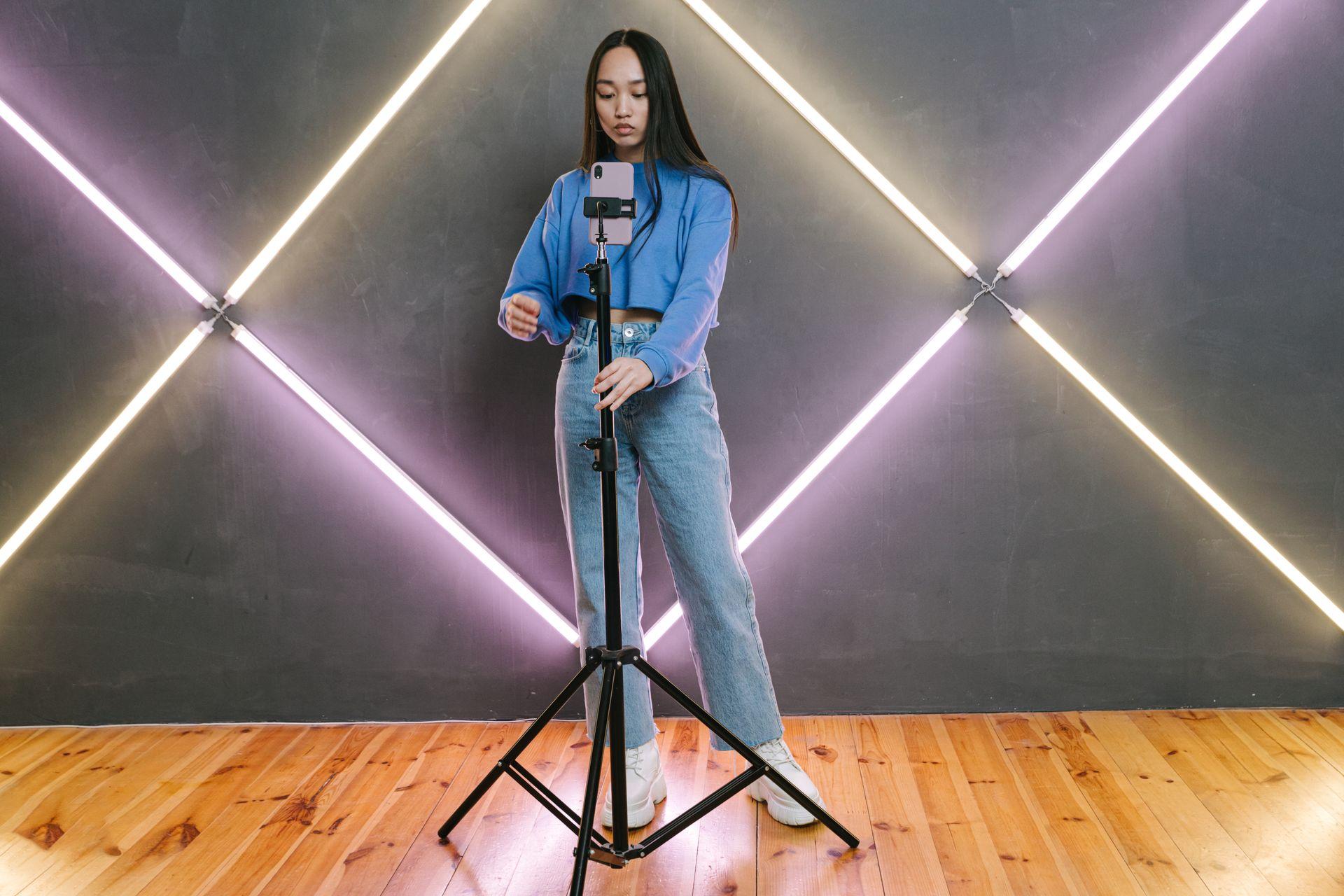
- A stable support. A tripod with a phone mount, or anything that holds the phone steady. Shaky footage instantly looks amateur.
- A lavalier mic or recording up close. Viewers forgive average picture quality, but not boomy, quiet sound.
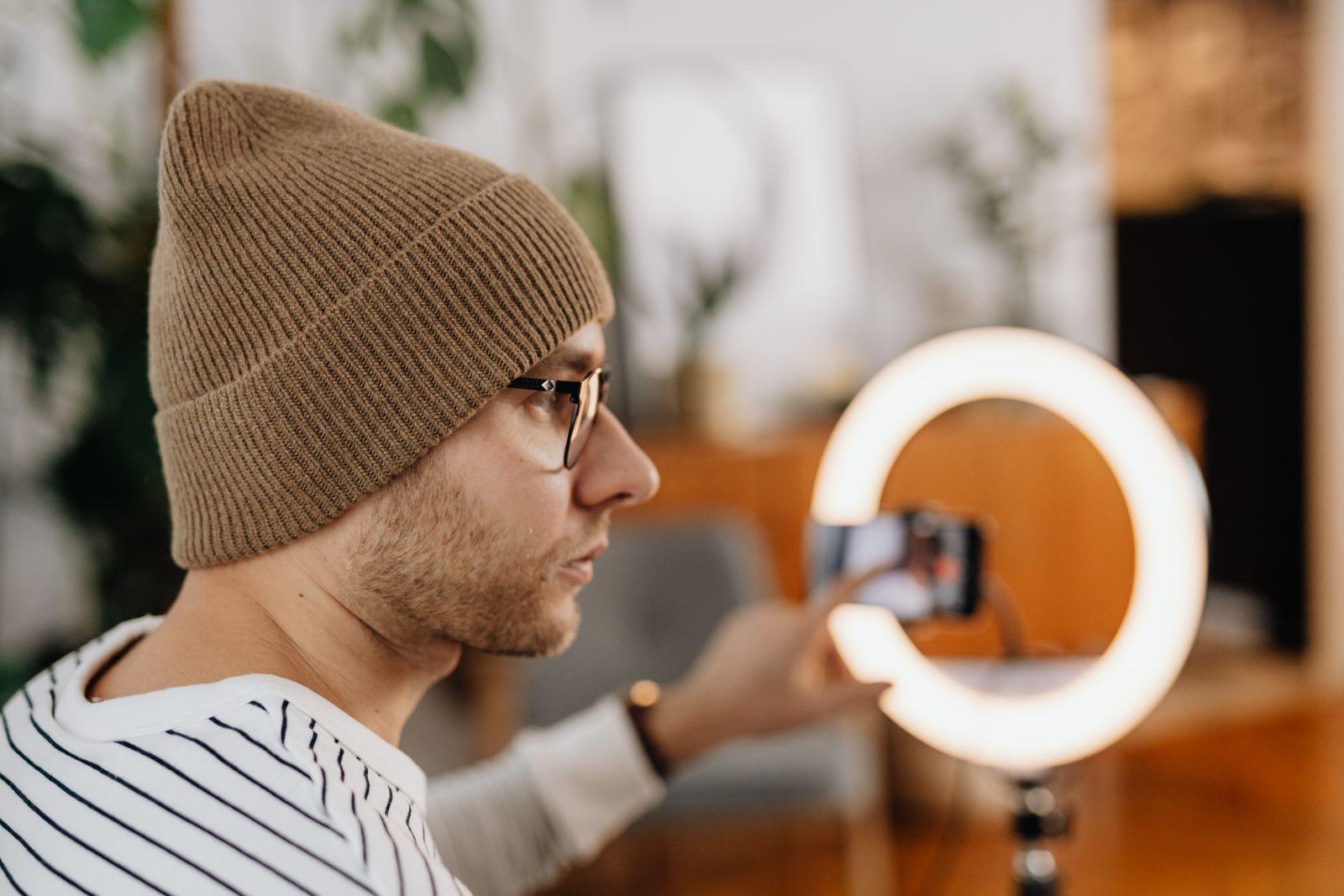
- A light source. A window during the day or a lamp with soft light. A ring light is convenient but not essential.
Before recording, wipe the lens — a greasy fingerprint is the most common cause of a “foggy” image. Turn on airplane or do-not-disturb mode so a notification doesn't interrupt the take, and check that you have free storage.
The hook: what to show in the first seconds
Viewers decide in a split second whether to scroll on. So start your TikTok with the most interesting moment, not a greeting. In practice, three kinds of openings work:
- The end result first. Show the finished dish, the washed car or the calm dog after training, and only then the path to it.
- A concrete promise. One sentence saying what the viewer will gain, spoken right away and repeated as on-screen text.
- Motion in the frame. Something happens from the first frame: a hand reaches for the product, a door opens, the camera moves into the scene.
The hook is just one part of the script. How to build the whole video — hook, development, proof and call to action — is covered in detail in our article on the UGC video script. Here we focus on how to film that script well.
Light: the cheapest quality upgrade
Most “poor quality” on TikTok is really bad lighting. In the dark, the phone boosts sensitivity and the image turns grainy and soft.
- Face the window. Soft daylight on your face is the best thing you can get for free. A window behind you turns you into a dark silhouette.
- Don't mix sources. A warm ceiling bulb and cool window light give your face two colours. Pick one and switch off the rest.
- Avoid harsh midday sun. Hard shadows under the eyes and squinting don't help. The shade of a building or a cloudy day is better.
- Lock exposure. In the camera app, hold your finger on the face or product so brightness doesn't jump when something crosses the frame.
If you film a product, for example a gadget in the tech niche, put the light to the side. Side light shows texture and shape, while front light often flattens the object and causes reflections on screens.
Sound: where viewers drop off fastest
When you talk to camera, sound matters more than picture. A few rules:
- Record close to the phone or with a mic clipped to your clothes. Distance from the mic affects voice clarity the most.
- Choose small rooms with soft objects: curtains, a rug and a sofa dampen echo. An empty bathroom or a tiled kitchen booms.
- Switch off the fridge, washing machine and fan, and close the street-facing window. Viewers hear the hum more than you do while recording.
- If you add music, keep it clearly under the voice. Music should set the pace, not compete with the words.
Remember that many people watch without sound. So the key idea should also be visible as text on screen.
Framing and shots: how to set up the phone
TikTok is a vertical format, so shoot vertically from the start instead of cropping horizontal footage. A few framing rules:
- Eyes in the upper part of the screen. At the bottom and on the right, the app overlays the description, profile name and buttons. Don't place anything important there.
- Phone at eye level. A low angle is unflattering, and a high angle makes you look smaller. Set the tripod so the lens is roughly at eye line.
- Look at the lens, not the screen. That way the viewer feels you are talking to them.
- Vary the shots. Mix wide, medium and close-up shots. Every change refreshes the viewer's attention.
- Record short pieces. It is easier to redo one sentence than a whole monologue. Short takes also speed up editing.
A good habit is recording extra cutaway shots, or B-roll: hands at work, product details, surroundings. In the food niche that means chopping, sizzling in the pan and a bite; in the automotive niche, a close-up of a rim, the interior and the engine sound. These shots save the edit when you need to cover a cut in your speech.
Recording in the TikTok app
You can record straight in the app or in your phone's camera and upload later. Recording in the app is fast and gives you tools that help while filming:
- Countdown and timer. Let you film alone without reaching for the phone on the tripod.
- Recording in segments. You can pause and resume recording, building the video from successive shots without a separate editor.
- Effects, filters and green screen. Useful for formats where you comment on a screenshot, article or photo in the background.
- Drafts. You can save a finished video as a draft and come back to it later.
The in-app toolset changes from version to version, so check current features and their names in the TikTok Help Center. If you want the best image quality, record in your phone's camera at the highest available resolution and use the app only to edit and post.
Editing: cut everything that adds nothing new
Good TikTok editing is simple and fast. The key rule: if a fragment says or shows nothing new, cut it.
- Trim the start and the end. Reaching for the phone, the breath before the first sentence and the fade at the end — all of it has to go.
- Cut pauses and repetitions. Quick cuts between sentences give the pace viewers expect on TikTok.
- Cover cuts with B-roll. When a jump cut in your speech is visible, put a product close-up or a detail there.
- Match the pace to the music. Changing shots to the beat makes the video feel more polished.
- Even out the colours. If shots differ in colour temperature, match them lightly. Don't overdo filters that change the product's colour.
- Watch the whole thing on a phone. Before posting, watch the video as a viewer will and check that nothing important hides under the buttons.
The TikTok in-app editor or a free mobile video editor is enough. What matters more than the software is how many unnecessary seconds you can remove.
Captions and on-screen text
Captions help viewers watching without sound and make speech easier to follow in noisy places. TikTok offers auto-generated captions from speech, but always read and correct them: names, brands and numbers are often recognised wrongly.
- Place the opening text in the upper part of the frame and keep it on screen long enough to read comfortably.
- Use short sentences — one idea per screen.
- Make sure of contrast: white text with an outline or background stays readable on light and dark images.
- Don't cover your face or the product with text.
Publishing: description, sound and cover
The last step decides whether the right people find the video.
- Description. Say in one sentence what the video is about, using words people type into TikTok search. Add a few relevant hashtags instead of a long list of generic ones.
- Cover. Pick a frame that shows the topic and add a short title. Covers shape how your profile looks and help brands assess your portfolio.
- Sound. Trending sounds can help reach, but in advertising content use only music cleared for commercial use.
- Collaboration label. If the video was made with a brand, switch on the appropriate branded content label. We explain the rules on the page about ad disclosure.
- Consistency. Post at a steady rhythm you can sustain. After a few weeks, analytics will show which formats and times work for your audience.
After posting, look not only at views but at how many people watched to the end, saved and shared the video. That is the best feedback on whether your hook and edit work.
The most common mistakes when filming TikToks
- A greeting instead of a hook. “Hi, today I'll show you…” is exactly when viewers scroll away.
- Light behind you. A window in the background turns your face into a shadow.
- Sound from across the room. Echo and hum make even a good script sound weak.
- Important elements under the buttons. A product or text in the bottom right corner disappears under the interface.
- A video that is too long. A video should last exactly as long as it takes to deliver one idea.
- Unchecked auto-captions. A typo in the brand name in a sponsored video usually means revisions.
How this skill turns into brand tasks
Brands increasingly order from creators not only a post on their profile but the video itself, which they use in their own channels and ads — this is UGC. In such tasks exactly what we described above counts: a strong opening, clean sound, good light, vertical framing with nothing under the interface, and tight editing. Follower count matters less here than video quality.
What to prepare before you start applying for tasks:
- A few sample videos in different formats. A product review, a short tutorial, a before-and-after. Film them with things you have at home.
- Examples from your niche. A dog owner can show a toy test in the pets niche, and someone furnishing a flat a room makeover in the home niche.
- Versions without music and captions. Brands often want clean footage they can edit for ads themselves.
- Reading guidelines. Before filming, read the content guidelines and ask about anything unclear. It saves revisions.
If you also want to earn on your own profile — through the creator programme, live gifts or sales — see our article on how to make money on TikTok.
How Blogger Bank turns your TikTok filming skills into paid tasks
Once you can film a good vertical video, the hardest part is finding brands that will pay for it and agreeing on terms. On Blogger Bank it works like this:
- Instead of cold-messaging brands — you browse tasks where brands describe the video they need and apply to the ones that fit your niche.
- Instead of sorting out details across several messengers — everything the brand expects is described in the task, and the contract opens automatically when the brand chooses you.
- Instead of emailing files and waiting for a transfer — conversation with the brand, material acceptance and payment are in one place.
- Instead of proving quality with follower count — you show your videos and profile, and the brand judges above all how you film.
See how other creators present themselves in the influencer catalogue, for example in the travel niche. Create a creator account and apply for your first video task.
Frequently asked questions
How do you film a good TikTok on your phone?
Start with a strong hook in the first seconds, shoot vertically facing a window, speak close to the mic and keep your face in the upper part of the frame. Then cut pauses, add corrected captions and post with a short, specific description.
What gear do you need to film TikToks?
A modern phone is enough, plus a tripod or other stable support, a soft light source such as a window and ideally a lavalier mic. A ring light is convenient but not essential, and a better camera won't improve a video more than light.
What should you say at the start of a TikTok?
Don't start with a greeting. Show the end result right away, state a concrete benefit for the viewer or open with motion in the frame. Repeat the key idea as on-screen text, because many people watch without sound.
How should you light a TikTok?
Face a window or place a soft lamp in front of you, switch off other sources with a different colour and avoid harsh midday sun. For products, side light works better because it shows the texture and shape of the object.
Should you record in the TikTok app or with the phone camera?
Recording in the app is fast and gives you a countdown, segment recording, effects and drafts. The phone camera usually gives better image quality, so for important videos record with the camera and use the app only to edit and post.
How do you edit TikToks on a phone?
Trim the start and end, cut pauses and repetitions, cover visible jump cuts with B-roll and match shot changes to the music. The in-app editor or a free mobile editor is enough, and watch the whole video on a phone before posting.
Is it worth adding captions to TikToks?
Yes, because many viewers watch without sound. Auto-captions save time, but always read them and correct names, brands and numbers. Place text in the upper part of the frame, keep it short and give it clear contrast.
How does TikTok filming skill help you win brand tasks?
Brands order vertical videos from creators for their own channels and ads, known as UGC. What counts is the hook, clean sound, good light and editing, not just follower count, so prepare a few sample videos from your niche.