Dark post: what it is and how to run unpublished ads with creator content
Short answer
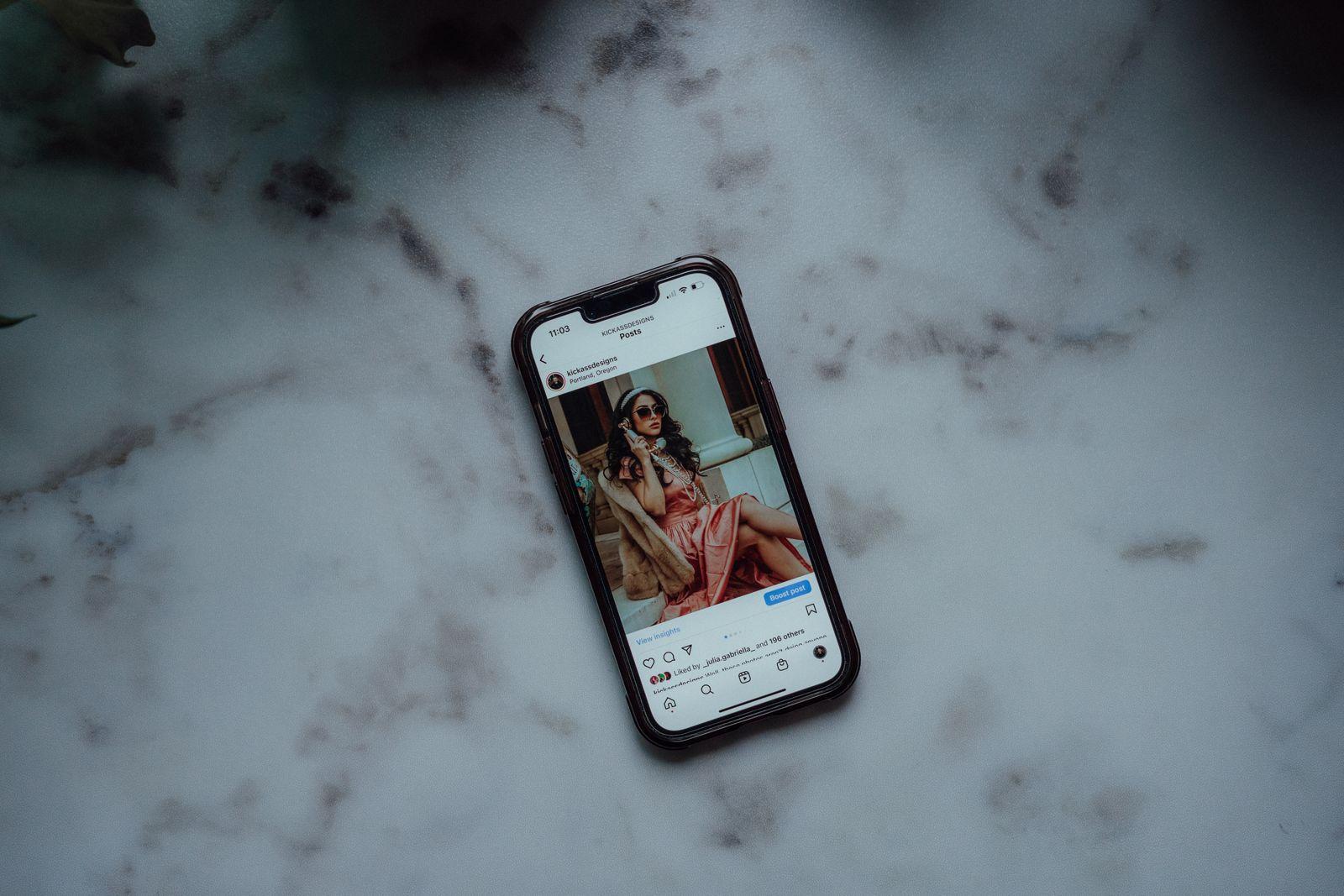
A dark post is a social media ad that does not appear on the brand's profile or feed — only a chosen target audience sees it. Meta calls it an unpublished Page post. Brands use dark posts to test many creative versions and segments without cluttering their profile, and they often source the content from creators, for example through a task on Blogger Bank.
A dark post is a social media ad that does not appear on the brand's profile or in its feed. Only people in the target audience you set in the ads manager see it. Brands use dark posts to test many versions of one creative, speak differently to different audience segments and keep their profile free of purely sales content. More and more often the material for these ads is video and photos from creators — and the simplest way to collect it is through a task on a platform such as Blogger Bank.
Dark post: a practical definition
“Dark post” is industry slang. In its official help, Meta uses the term “unpublished Page post”: a post that is not immediately published on your Page or in your followers' feeds but can be shown as an ad. In practice you create it in Ads Manager, not in the Instagram or Facebook app.
Such a post has everything a regular post has: text, an image or video, a call-to-action button, likes and comments. The difference is where it lives. You will not find it by scrolling the brand's profile. It is seen by people who match the targeting — for example, someone who lives in Kraków, owns a dog and is interested in grain-free pet food.
A dark post is not invisible to the world, though. All active ads on Facebook and Instagram can be browsed in the public Meta Ad Library. Anyone who types in your brand name will see the versions you are running right now. Keep that in mind before testing messages you would not want to show publicly.
Dark post vs organic post vs boosted post
These three terms are often confused, and which one to use depends on your goal.
- Organic post — you publish it on your profile; followers see it, plus people the algorithm shows it to. You do not pay for reach, but you do not control it either.
- Boosted post — you take a post that is already on the profile and pay to show it to a larger group. The ad keeps the reactions and comments from the original, but it is one and the same for everyone. Any change to the content means changing the post on the profile.
- Dark post — it exists only as an ad. You can prepare ten versions with a different headline, opening second of video or button text and show each to a different group. Nothing is left on the profile.
A simple rule: if the content should build your profile and conversation with followers, publish it organically. If a post already performs well and you want more people to see it, boost it. If you need many variants, precise matching to segments or a sales campaign that does not fit the style of your feed, use dark posts.
Why brands use dark posts
Testing many creative versions
The most common reason is testing. From a single creator video you can edit several versions: a different first sentence, a different order of shots, with or without captions. If you published them all on the profile, followers would see the same video five times. As dark posts, each version gets its own budget and audience, and after a few days you can see which one grabs attention and sells. We explain how to set up such a test step by step in our article on testing UGC creatives in ads.
A different message for each segment
A pet supplies store can show cat owners a different video than dog owners, and new customers a different offer than returning ones. An automotive brand can talk to fleet drivers about costs and to enthusiasts about performance. Dark posts let you do this without a public profile that looks like a catalogue of contradictory promises.
A clean brand profile
Your profile is your shop window. Many brands want their feed to show inspiration, behind-the-scenes content and community rather than one discount code after another. Sales ads, limited-time offers and remarketing work better as dark posts — they reach the right people while the profile stays consistent.
Reacting quickly
You can switch off, change or replace a dark post without deleting anything from the profile. If a version underperforms or the price changes, you swap the ad and nobody sees a post vanish from the grid.
Dark posts from the brand account or the creator's account
You can run creator content in two ways. First, as a regular dark post from the brand account — the brand's name and logo appear above the ad, and the creator's video is simply the creative. All you need is a licence to use the material in ads. Second, as an ad shown with the creator's name in the header, next to the brand or instead of it. On Facebook and Instagram these are partnership ads; we cover their setup, access and contract terms separately in UGC in Meta ads and Partnership Ads. The mechanism of access to a creator's account is also explained in our glossary under whitelisting, and the TikTok equivalent in our article on Spark Ads. In both cases the ad can be “dark”, meaning it does not appear in the organic feed of either the brand or the creator.
The choice depends on what you need. An ad from the brand account is simpler to organise and does not require access to the creator's profile. An ad under the creator's name looks more like a recommendation from someone the viewer knows, but it requires consent and cooperation for every change.
What to agree with the creator before turning their content into dark posts
A creator filming a video for their own profile and a creator whose material will circulate for weeks in a dozen ad versions are two different situations. So before you start, write a few things down in the task or contract.
- Purpose of use — that the material will be used for paid ads, not only for organic publication. This changes pricing and expectations.
- Number of versions and raw files — whether you get one finished video or several opening variants, separate shots and a recording without music from which you can edit further versions yourself.
- Usage period — how long you may run ads with this material and what happens afterwards. A clear end date protects both sides.
- Channels — only Facebook and Instagram, or also TikTok, YouTube or display ads.
- Scope of edits — whether you may shorten the video, add captions, change the music and ad copy, or whether every change needs the creator's approval.
- Access and approval — if the ad runs under the creator's name, who grants access, how long it lasts and whether the creator approves every version before it goes live.
- Comments — who moderates comments under the ad, especially when it appears under the creator's name.
You do not need legal language. It is enough that both sides understand the same thing. We discuss licence and account access details in our article on contracts for Partnership Ads and whitelisting.
How to prepare creator content for dark posts
Dark posts work best when you plan them from the start as a series of variants rather than a single video. A few practical tips for the brief:
- Ask for several different openings: a question, showing the problem, a before-and-after effect, a strong statement. The first seconds decide whether someone stops scrolling.
- Ask for vertical footage with a safety margin so captions and the button do not cover the face or the product.
- Describe the segments you want to reach. A creator from the tech niche will film one video for people looking for specs and another for those who simply want things to work.
- Match creators to target groups. For pet food, choose someone from the pets niche; for car accessories, an automotive creator; for kitchen equipment, someone from the food category; and for interior décor, a creator from the home category. Several different creators give you several natural variants to test right away.
- Agree that the video should sound like a recommendation, not a TV spot. UGC-style material blends into the feed, which is exactly why it works well as a dark post.
How to tell which dark post works
Since dark posts are not visible on the profile, you judge their results only in Ads Manager. Compare versions that differ in one element — a different opening, a different creator or a different audience — so you know what actually changed the result. Look first at whether people stop and watch the start of the video, then at clicks, and finally at sales or sign-ups. Give each version a few days and a similar budget before switching it off. Record the winning variants together with the creator's name and a description of the opening: after a few tests you will see what type of content works in your category and can order new videos with a much more precise brief.
Risks and transparency: ad labelling
A dark post does not mean a hidden ad. Every ad on Facebook and Instagram carries a “Sponsored” label, and a partnership ad also shows that it is a creator–brand collaboration. Viewers know they are looking at paid content. Problems arise when a brand tries to get around this — for example, a creator posts organically about a product without disclosure and the brand promotes it as a genuine opinion. Rules for disclosing collaborations in Poland are clear, and advertising must be recognisable as advertising.
Other risks are practical:
- Contradictory messages — different promises to different segments can surface in the Ad Library. Make sure all versions tell the truth about the same offer.
- Creative fatigue — the same video shown too long to the same group stops working. Plan the next variants in advance.
- Unattended comments — questions and criticism appear under dark posts too. Since you do not see them on the profile, they are easy to forget. Check them regularly.
- Using content past the agreed term — an ad running longer than agreed with the creator is a straight path to a dispute. Record the end date and switch the ads off on time.
How Blogger Bank solves the problem of content for dark posts
The hardest part of dark posts is not setting up the ad but getting many good versions of material from creators with clearly agreed terms. On Blogger Bank:
- Instead of hunting for creators by hashtag — you describe in a task what material you need, how many versions and for which ads, and creators from different niches apply themselves. Each new creator is another variant to test.
- Instead of arrangements in private messages — you put the purpose of use, number of versions, period and channels into the task, and the contract with the chosen creator opens automatically.
- Instead of files scattered across email and messengers — conversation with the creator, content approval and payment are in one place, so you know which versions are ready to run.
You can also browse creators in the influencer catalogue and invite specific people. Create a brand account and publish your first task for ad content.
Frequently asked questions
What is a dark post?
A dark post is a social media ad that does not appear on the brand's profile or in its feed. Only people in the target audience set in the ads manager see it. Meta calls this kind of post an unpublished Page post.
How is a dark post different from a boosted post?
A boosted post is a post already on the profile that receives paid reach, the same for every viewer. A dark post exists only as an ad, so you can prepare many versions for different groups without publishing them on your profile.
Why do brands use dark posts?
Mainly to test many creative versions, tailor the message to different audience segments and keep the profile free of purely sales content. A dark post can also be switched off or replaced quickly without deleting anything from the feed.
Is a dark post a hidden ad?
No. Every ad on Facebook and Instagram carries a “Sponsored” label, and a brand's active ads can be browsed in the public Meta Ad Library. A dark post is invisible only on the profile, not to viewers or to anyone checking.
Can a dark post run from a creator's account?
Yes. You can run creator content from the brand account as a regular creative or as a partnership ad with the creator's name in the header. The second option needs the creator's consent and access, and both can stay out of organic feeds.
What should you agree with a creator before using their content in dark posts?
Agree on use in paid ads, the number of versions and access to raw files, the usage period, channels, the scope of allowed edits, how versions get approved and who moderates comments on ads shown under the creator's name.
Where do you create dark posts on Facebook and Instagram?
You create dark posts in Meta Ads Manager, not in the Instagram or Facebook app. There you prepare the ad content, choose the target audience and budget, and the post never lands on the brand profile or in followers' feeds.
What creator content works best in dark posts?
Vertical UGC-style video works best, with several different openings, space for captions and files without music. Several creators from different niches immediately give you several natural variants to test across different audience segments.