How to prepare an online store for an influencer campaign

Short answer
Start preparing your store for an influencer campaign with a test purchase on your phone using the creator’s final link. Check the product variant, code, payment and order confirmation. Then confirm readiness for the publication date with your warehouse, customer service and technical support. Assign someone to approve the launch or pause it if a fault is found.
How do you prepare an online store for an influencer campaign? Before confirming publication, check that customers can buy exactly what they see in the content: on their phones, through the supplied link, on the promised terms. Then confirm that your warehouse, technical support and customer service team are ready. A creator can persuade someone to visit your store, but cannot fix a payment error or a shipping backlog.
You can prepare the collaboration at the same time: create a brand account on Blogger Bank and describe the assignment, including the product, format and planned date. Add who at the store will approve the final link and give permission to publish. You compare creators’ applications on the platform; your team checks whether the store is ready to sell.
Start with one journey: content, product, paid order
Preparing your store does not mean refreshing the entire website. Choose the journey that viewers of a particular post will take. Note the product and variant shown by the creator, where the link will appear, the landing page and the offer terms. This gives you a test scenario rather than a vague task to “check the store”.
Customers should recognise the item from the video on the product page. If a creator shows a green bag with a laptop pocket, a link to a category full of different bags forces viewers to search again. Also check that the photos, dimensions and package contents match the item in the recording. Resolve any discrepancy before accepting the content, not in replies under the ad.
It helps to separate store preparation from choosing a partner. If you are still looking for a creator, the guide to choosing an influencer to promote your store will help you define the product and expected content. Here, the end point is deciding whether the store can accept traffic from the agreed publication.
Make a purchase on your phone, without administrator privileges
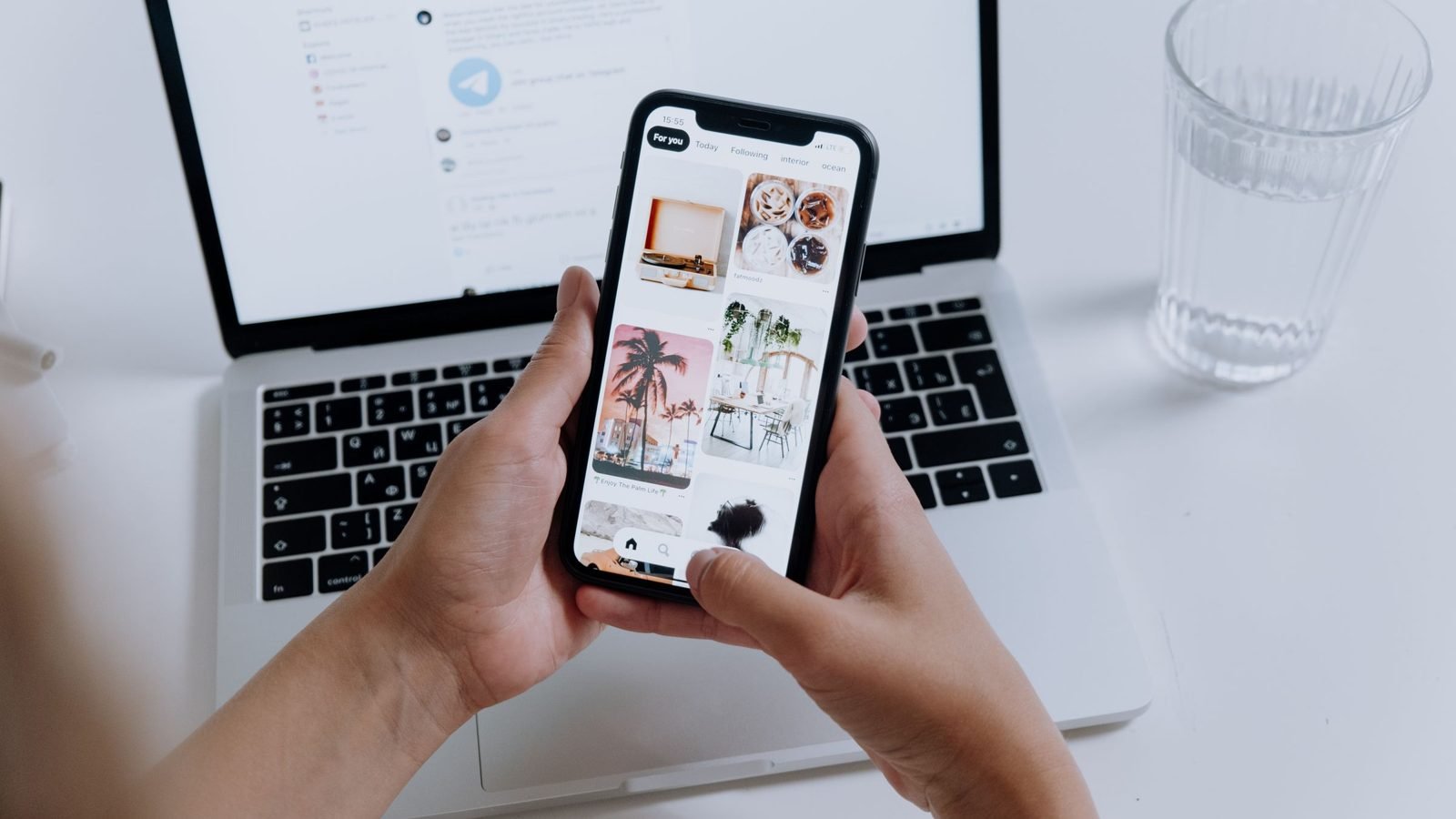
Open the final link in the app your visitors will come from, not just in a desktop browser. Do not use an administrator account or a basket you filled earlier. Check the experience of a new customer: messages covering the screen, variant selection, access to the purchase button and the ability to correct details. Record the device and the point where the problem appeared.
The test should cover the entire purchase, not just adding an item to the basket. Use a test mode agreed with the store; if a real order is needed, first agree with the person responsible how it will be handled and settled. Check that customers see the correct status after returning from the payment provider and that the store receives the order without a duplicate. Do not treat the “thank you” screen as the only proof.
- Select the variant shown in the content and check its availability.
- Add the product to the basket, change the quantity, then remove an unwanted item.
- Enter the code exactly as the creator will give it and check the message and final amount.
- Select delivery and payment options you actually offer this customer group.
- Compare the customer’s confirmation with the order visible to store staff.
If a problem occurs only in the in-app browser, record it as a specific fault. Telling someone to “open it in another browser” may help an individual customer, but does not replace fixing the problem before the campaign. Ask someone outside the implementation team to repeat the test: familiarity with the store often suggests shortcuts that customers do not know.
Your technical support contact needs the publication date
Give the administrator or company maintaining your store the publication schedule, landing page addresses and details of any additional advertising planned for the content. Do not turn follower numbers into a guaranteed number of visits. If you have data from similar campaigns, show the actual traffic pattern; if not, say so plainly and agree on scenarios to test with your technical contact.
Ask for an assessment of the entire purchase journey under load, not just the homepage. The product page may work smoothly while the basket, variant search or payment integration is already slowing down. Agree on the test scope, environment and permitted traffic with the administrator and service providers. Do not run large-scale tests on the live store on your own.
Before launch, agree who will monitor errors and whom marketing should call. You also need a simple contingency plan: who decides to pause upcoming publications, who contacts creators and who confirms the fix. A hosting support number alone is not enough if nobody has the authority to change the schedule on campaign day.
Check stock of the variant and your capacity to ship orders
Stock levels for an entire category do not tell you whether there is enough of the product in the video. Check the specific size, colour or set, accounting for orders already received and sales through other channels. Establish how the store updates availability and whether the last units are being offered in several places at once. Do not order more stock based only on a creator’s reach.
Ask the warehouse about more than unit counts: check packaging, assembling sets, parcel collections and realistic dispatch times. If the product requires personalisation, show customers that step before they buy. The dispatch time used for routine sales should not automatically go into the brief when the campaign changes how orders are fulfilled.
Agree what happens when stock runs out. You can display an honest out-of-stock message and offer a restock notification if the store supports it. Do not quietly redirect customers to another model. A product change also requires updating the agreement with the creator, especially if the content has not yet been published.

Check the link and code against the offer terms
Give the creator a ready-to-use link. Click the exact address intended for publication, including after shortening or redirection. Confirm the final page, correct variant and retention of tracking parameters. For setup and data interpretation, see the guide to measuring influencer campaign results; at this stage, you are checking whether the tracking you prepared works during a test purchase.
Test the code both with a basket that should qualify and in a situation excluded from the offer. Check the start and end dates, the store’s time zone, eligible products and whether it combines with other promotions. The point is to match the settings to the message customers receive, not to choose the biggest discount. Verify legal requirements for promotions separately with the person responsible for offer compliance.
If the offer changed after recording, send the creator a single up-to-date version of the agreement. Do not leave different codes scattered across messages, attachments and video comments. Record who checked the final content and when the link and code passed the test. This note helps prevent an outdated version from being published.
Prepare to answer questions, not just respond to praise
A viewer may visit the brand’s profile, read reviews and ask about delivery instead of buying immediately. Check your contact details, profile link and pinned information. Treat recurring complaints about delays or a product fault as issues to resolve before increasing traffic, not as problems a good video will conceal.
Give the person handling messages the product details, campaign terms, publication date and warehouse contact. Agree who answers under the creator’s content and who handles individual orders. The creator should not have to guess shipment status or collect customer details in public comments. Direct customers to a safe channel for contacting the store without publishing purchase details.
Do not commission positive reviews pretending to be customer experiences or treat substantive criticism as spam. Separate questions about the offer, technical problems and after-sales matters. Record recurring problems along with where they occur and who will investigate. “Customers ask about delivery” is less useful than “on mobile, they cannot see the dispatch time before proceeding to payment”.
Once the campaign starts, replies under the post are not enough on their own. Turn recurring questions into store tasks: a problem, an owner, a change and a verification step. Our guide to using influencer campaign comments to improve your store walks through a product-page example.
A final rehearsal ends with a decision, not a wish list
Imagine a store promoting a work bag. This is an organisational example, not a report of a particular company’s results. The content shows the green variant, but the link opens the black one and the code applies only to an older collection. The video itself is ready. The campaign is not: viewers cannot buy the item shown on the promised terms. First correct the settings and repeat the purchase, then confirm publication.
Record the test outcome in a short launch checklist: product and variant, final link, code and payment test results, warehouse confirmation, technical cover and customer service contact. Assign an owner to each unresolved fault. A payment failure, an unavailable promoted product or an unresolved fulfilment problem means holding the launch. A minor visual correction need not block it if it neither hinders purchasing nor changes the promise.
Once the store passes the test, use the assignment on Blogger Bank to give your chosen creator the approved link, offer terms and a contact for publication day. Also agree how any postponement will be communicated. When accepting the work, check that the content matches these agreements; the platform helps manage the collaboration, but does not monitor your store’s stock or payments for you.
Start by making one purchase on your phone. If you cannot complete it without help from an employee, fix that journey before confirming the launch with the creator.
Frequently asked questions
Where should you start preparing a store for an influencer campaign?
Start with a test purchase of the featured product. Open the final link on your phone, select the variant, check the code and complete payment in the agreed mode. Then confirm product availability, shipping readiness and support for customer questions.
Should you test purchasing inside a social media app?
Yes, follow the journey in the app the creator’s audience will use. A desktop test alone may miss problems with forms, messages covering the screen or returning from the payment provider. Record the device and the exact stage where the error occurs.
How do you prepare a store for more traffic after an influencer’s post?
Give technical support the publication schedule and landing pages. Agree on load testing for the basket and integrations, monitoring and an emergency contact. Do not infer guaranteed traffic from follower counts or run large-scale tests on the live store yourself.
What should you check with the warehouse before a campaign?
Confirm stock of the exact variant shown, accounting for existing orders and other sales channels. Also check picking, packaging and dispatch times. Agree what the store and creator will do if the promoted product becomes unavailable.
How should you check a discount code before sending it to a creator?
Test the code with an eligible product and a basket that should not qualify. Check dates, time zone and whether promotions combine. Store conditions must match the message given to the creator and customer service staff.
Should negative reviews put a campaign on hold?
One critical review does not automatically mean cancelling a campaign. However, investigate recurring, specific problems with the product or order fulfilment. If they remain unresolved, address the cause first rather than sending more people into the same situation.
Who should answer questions under a creator’s ad?
Agree with the creator which questions the brand will handle and who its contact is on publication day. Direct order enquiries to store support through a private channel. Creators should not guess dispatch times or publish customer details.
How can you use Blogger Bank when preparing a store campaign?
On Blogger Bank, describe the assignment with the product, format and planned date, then compare creators’ applications. Give your chosen creator the tested link and offer terms. Testing purchases, checking stock and preparing customer support remain the store’s responsibilities.