How to promote film equipment rental by showing a ready-to-use kit
Short answer
Use influencer marketing to show a working kit for a specific shoot: its contents, component compatibility and actual results. Blogger Bank helps organise collaboration through applications, creator profiles, an agreed contract, secure payment and content acceptance. The rental company confirms the configuration and rental terms, while the creator demonstrates what customers can actually receive.
How do you promote a film equipment rental business when customers browse your offer but do not know what to take to a shoot? Work with a creator to show a working kit for a specific scene: from the contents of the case and the connections to the recorded picture and sound. Someone who produces similar content can put viewers’ doubts into words: whether the lens fits, where the power comes from and whether the microphone works with the camera. This demonstration gives customers a starting point for discussing a rental instead of leaving them with a list of models.
With influencer marketing, you can commission precisely this kind of demonstration rather than general praise for your rental business. Create a brand account on Blogger Bank and describe your kit demonstration: what content you want, what you will provide to the creator and what you expect to receive. The platform lets you collect applications, review creator profiles, agree on a contract and manage the collaboration and secure payment. Technical equipment selection and rental remain the rental company’s responsibility.
Customers need answers about a complete kit, not another camera list
A catalogue of models is useful to someone who already knows what they need. But someone planning their first interview may recognise a camera’s name without knowing which lens, cable or recording method they will need. Promoting the camera body alone does not explain whether it is ready for use. A discount will not supply a missing component either.
This does not mean promising a kit for everyone. Choose a use case you genuinely support and show its limits. If customers do not receive a clear equipment list or confirmation of availability, improve the offer first. A creator can explain a working process but cannot fix an inconsistent kit or guarantee equipment availability on a chosen date.
This approach reflects how real rental offers are presented. The Klik Rent catalogue, checked on 4 November 2026, includes kits described by use case and equipment lists for individual items. It is an example of how to structure an offer, not evidence of advertising effectiveness. That company’s kit contents and terms do not represent every rental business.
Choose a scene you can actually shoot
Here is a working example, not a Blogger Bank client campaign: a rental company wants to demonstrate a kit for recording a conversation with a small business owner in a quiet indoor setting. The creator collects the prepared equipment, sets it up with an employee, records part of the conversation and shows the result. Viewers see the same use case from start to finish, rather than a polished montage of unrelated accessories.
Define the scene’s conditions before selecting equipment: who appears, whether the speakers are seated, what the surroundings are like and who handles the recording. A technical specialist at the rental company approves the configuration for those conditions. Advertising copy should not turn this into a promise that an unprepared person can record any conversation, anywhere.
You can commission several complementary pieces from the same scenario. A short post on the creator’s profile shows a conversation excerpt and the kit used to record it. A more measured demonstration on the rental company’s website explains the contents and connections. A piece answering a viewer’s question could explain what changes when the conversation takes place outdoors. That last version requires a separate configuration check; do not claim capabilities that have not been demonstrated.
Show what customers actually receive
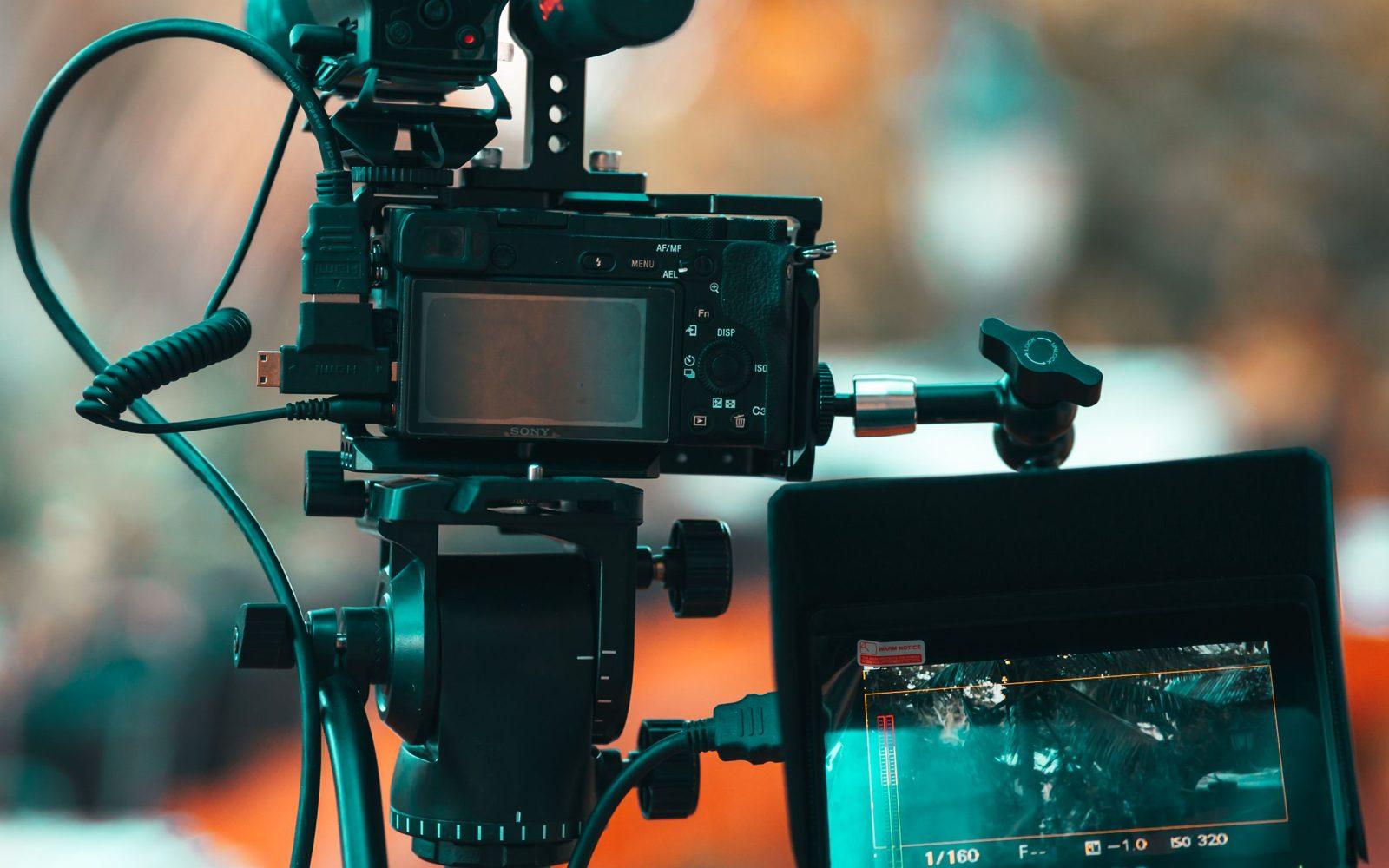
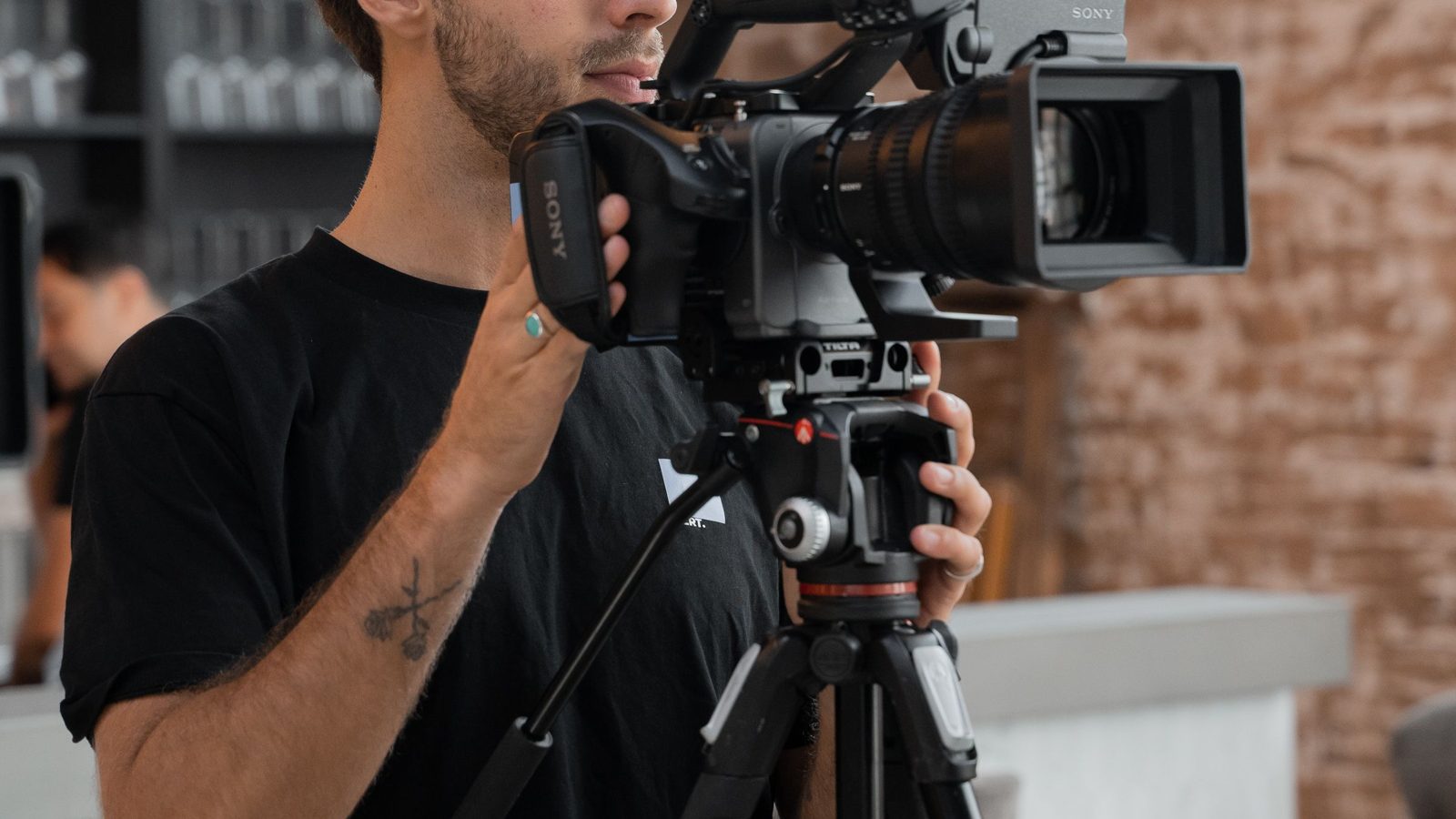
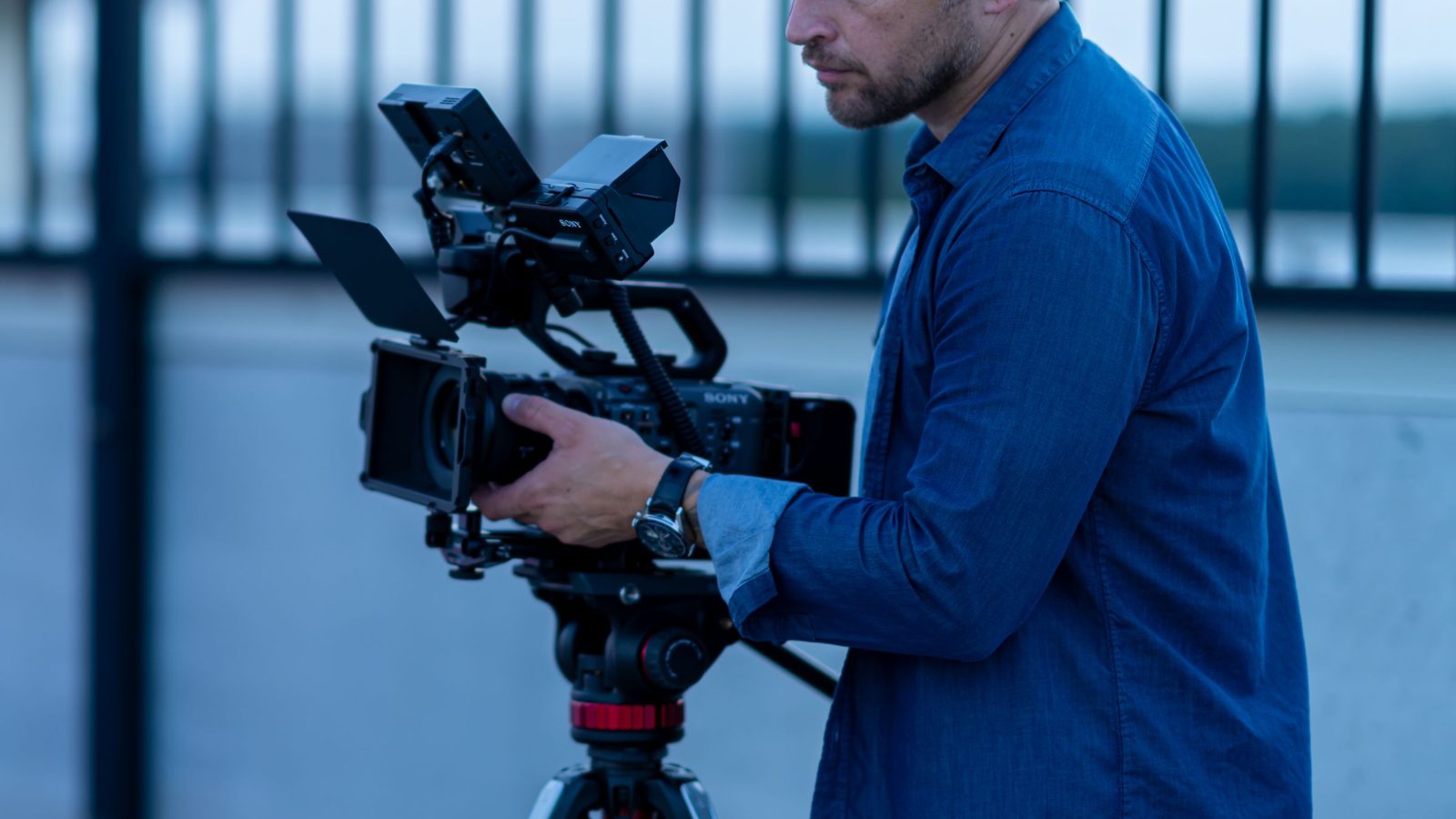
Prepare a kit specification sheet that matches the equipment supplied for the demonstration. List device names and versions, included accessories and any items needed for the shoot that are not part of the offer shown. In the video, lay out the equipment so viewers can distinguish the body, optics, support, audio and power supply. Do not hide a cable behind an attractive shot of the case if that cable is something customers frequently ask about.
- Picture: identify the camera and lens, along with any components needed to connect them in the configuration shown.
- Support: show the tripod, head and mounting hardware used. Do not suggest that any tripod in the catalogue can replace the setup in the recording.
- Sound: name the microphone, receiver or recorder, cables and connection method used in this demonstration.
- Power and recording: show the included batteries, charging arrangements and recording media, and explicitly identify missing items.
- Lighting: distinguish lighting rented as part of the kit from lamps and equipment already at the filming location.
Not every item has to be part of the package. What matters is that viewers can distinguish between “included”, “selected separately” and “the creator’s own equipment”. If the creator uses their own monitor or an extra light, state this in the relevant shot and on the offer page. Otherwise, the finished image will suggest a complete package that customers will not receive.
Demonstrate compatibility through connections and a test
Simply showing equipment on a table does not prove that the kit works together. Plan clear close-ups of the lens-to-camera connection, tripod mounting and audio signal chain. A rental company employee should check the compatibility of models and accessories before filming. The creator demonstrates a verified configuration; they do not establish compatibility across the entire catalogue because connectors look similar.
Next, record a test under the conditions stated in the description. Include a sample of the picture from the camera used and sound from the audio setup used. Label behind-the-scenes shots separately so viewers do not confuse footage showing the equipment with footage recorded using it. If the result includes colour correction or audio processing, disclose this without suggesting that the effect requires no work from the creator.
This is not meant to be a camera operation course. Customers should understand what is connected, what task was completed and what to ask before collection. Detailed settings depend on the device and scene. Instead of a universal promise that “everything connects straight away”, show where customers can get instructions or arrange help preparing the kit.
Choose a creator who can show the equipment at work
Review candidates’ content for demonstrations, not just aesthetics. Can you see what the creator actually uses? Can you hear the recording, rather than only music? Can they distinguish personal experience from manufacturer claims? For an interview kit, someone who records conversations or business content and whose audience is interested in similar work is a useful choice.
If you commission a post on the creator’s profile, also check the audience’s interests and whether they can use your service. A large audience in places where you do not provide rentals is no substitute for relevance. For content intended solely for your own website, a demonstration portfolio matters more than reach. The guide to product videos from creators explains how to commission files and formats; here, the priority is ensuring that the kit shown matches the rental offer.
Commission the demonstration and define acceptance criteria
Post a brief on Blogger Bank for a ready-to-use kit demonstration. Attach the equipment sheet, use case, filming location and terms for providing the creator with equipment. Ask applicants for an example of similar work and an idea for showing the connections. Applications and profiles let you compare candidates for a specific task instead of messaging random accounts about advertising.
Agree with the selected creator on the deliverables, whether publication is included, deadlines, revisions and usage rights in the contract. You can manage the collaboration, communication and acceptance of the result through Blogger Bank. The collaboration budget is secured before work begins, and the creator is paid after the work is accepted. This does not guarantee bookings or transfer responsibility for equipment to the platform.
Keep the advertising assignment’s terms separate from the equipment rental terms. Agree with the creator on collection, return and a contact person at the rental company. Before filming, confirm permission to film the location and people. Plan a clear advertising disclosure; do not present a commissioned demonstration as an independent, chance discovery. The creator’s own opinion must come from actual use, not a requirement to praise the equipment.
When reviewing the delivery, compare the video with the kit sheet and the actual test. Check device names, accessories in every shot, distinctions between extras and the source of the result shown. Play the content with and without sound: viewers should also understand limitations from captions. A missing component or unverified promise calls for a revision before acceptance, even if the editing looks attractive.
Lead viewers to the same kit after the video
The link in the post should lead to the page for the kit shown or to an enquiry where customers can identify it unambiguously. Keep the current contents, use case, optional extras and method of confirming dates on the page. Collection and return terms must reflect your current offer. Do not promise an instant booking simply because a form accepts a message.
After publication, watch whether enquiries concern the use case shown and whether customers can name the kit they need. Record clicks from the content, enquiries and confirmed rentals separately if you can reliably connect them. Views are not rentals, and a lack of immediate enquiries does not, on its own, explain whether the issue was the content, availability or the offer.
When you change a kit component, also check the video and the description at the linked destination. Replacing a camera may change the meaning of a connection demonstration even if the package name stays the same. Follow the process for updating videos after a product change instead of leaving attractive content that leads to a different configuration.
Start with a brief for one kit and one use case. Prepare its specification sheet, assign someone to check the configuration and accept the content only when it shows what customers can actually rent.
Frequently asked questions
How can you promote film equipment rental with a creator?
Commission a kit demonstration for a specific scene, such as an indoor conversation. Show the contents, connections and footage recorded with that equipment. Direct viewers to the current offer for the same kit without promising availability for every date.
Is showing a camera enough to promote a rental offer?
Showing a camera does not explain whether a kit is complete. Customers need information about optics, support, sound, power and recording. Identify included items and any extras required for the scene shown that need to be arranged separately.
Who should check equipment compatibility before filming?
A rental company employee familiar with the specific devices and their documentation should check the configuration. The creator demonstrates the approved kit under agreed conditions. A successful test does not prove other models’ compatibility or the kit’s suitability for every task.
Which creator should you choose to demonstrate a filming kit?
Choose someone who shows equipment in actual use and can explain connections. For publication on their profile, check whether their audience fits your service. For files intended for your website, a demonstration portfolio matters more than reach alone.
What should you give a creator before a rental equipment demonstration?
Provide the kit sheet, use case, extras list and equipment access terms. Name a technical contact. Agree on deliverables, publication channels, usage rights and acceptance criteria so the demonstration matches what you actually offer customers.
Does Blogger Bank reserve equipment for rental customers?
Blogger Bank organises creator collaboration: applications, profile selection, contracts, communication, payment and content acceptance. Confirming kit availability, assembling the equipment and agreeing on rental and collection arrangements remain the rental company’s responsibility.
How should you check a finished video before accepting it?
Compare the devices shown with the kit sheet, check connections and verify the source of the resulting footage. Check labels identifying the creator’s extras and usage limitations. Accept the content only after discrepancies are resolved, not simply because it is attractively edited.
Does demonstrating a kit guarantee more rentals?
A demonstration can make an offer easier to understand but does not guarantee rentals. Track clicks, kit enquiries and confirmed rentals separately where reliable attribution is possible. Availability, rental terms and customer needs also influence the decision.