Grocery store advertising: what should a creator show?
Short answer
Base grocery store advertising on a specific shopping scenario and available products. A creator can show ingredient choices for a meal, labels and the route to the store. Confirm the offer before publication and agree on updates. On Blogger Bank, describe the visit, collect applications and agree on deliverables, while the store checks product information.
Grocery store advertising should help a local resident decide why to visit your shop. Instead of a panorama of every aisle, commission a creator to show a shopping trip for a specific meal: choosing products, a readable label and the route to the store. This connects a dinner idea with the available range. It will not, however, fix empty shelves or replace up-to-date product information.
Create a brand account on Blogger Bank and describe a creator's visit to your store. Prepare the address, a shopping scenario and a list of products you can show. Creators apply for the assignment themselves, while you handle conversations, contracts and secure payment in one place. The store remains responsible for checking stock availability and the accuracy of information.
Choose a shopping scenario, not an entire shelf
A customer heading home from work is not looking for a tour of the store's departments. They want to know whether they can pick up dinner ingredients on the way. Start with something they might say at the counter: “I need something to go with pasta” or “I want to pick up a few things for breakfast”. Choose a need you can meet with a coherent selection of available products from different brands, rather than trying to fit your entire range into a video.
A local creator can guide viewers through that choice in their own words. They pick up a product, show its name and explain what they are choosing it for. This provides more useful shopping information than a poster bearing only the store's name. A leaflet or a photo of the shop window can remind people of the address, but will not show the shopping process. You do not need to discard them: let them point to the same, current offer.
Training example, not a Blogger Bank campaign: a small store in Toruń wants to show a shopping trip for a pasta dinner. The creator chooses pasta, tinned tomatoes and extras from the actual range. She is not advertising a single manufacturer or assessing the store as a nutrition expert. She shows how to put together the shopping at this location and where to check availability before leaving home.
In this scenario, the store is the advertiser, and the packaging helps people recognise the products. Do not suggest that all the visible brands commissioned the content. If your aim is to introduce a product into Polish distribution, you need a different plan — we describe it in our article on bringing a foreign food product to market with creators. Here, the starting point is an existing store and an everyday shopping trip.
Show the product range and the way to the store
Prepare a shot plan linking each scene to information a shopper needs. The plan below is an editorial template to copy into your own brief, not a platform feature. In the Toruń example, it leads from a dinner idea to the store entrance. It is neither a recipe nor a promise that the basket's contents will always be identical.
- The need: the creator explains which meal she is shopping for. Write a specific idea in the brief, without health promises or judgements about the viewer's diet.
- Available products: she shows her choices from the shelf and the shopping selection. Alongside the names, record the variants and the person who will confirm their availability before publication.
- A visible label: a close-up helps viewers recognise the right packaging. Any information about ingredients must refer to that exact variant, not a similar product.
- The address: a shot of the entrance and a caption identify the location where filming took place. Show the route from a recognisable landmark if the street name alone is not enough.
- Validity date: the description states which day the offer shown applies to and where to check its current status. The owner names the person responsible for subsequent updates.
Do not end the video with nothing but a shot of a full basket. Viewers should know whether they can buy these products at the location shown, when the store is open and where to ask about a particular variant. Check that the address matches in the captions, description and store profile. If you run several locations, do not automatically extend one store's offer to all the others.
Arrange a quiet time for filming and an area of the store that can be filmed without capturing customers who happen to be there. Have an employee point out the available products, but do not let the creator block the aisle or rearrange goods without agreement. Check shots showing the checkout, an order screen or people in the background before approval. Agree on employees' participation and the use of their comments in advance, rather than treating their presence on a shift as consent to appear.
Check ingredients, availability and the publication date
Footage of a full shelf confirms stock at the time of filming, not on publication day. Before publication, someone from the store should check the featured variants again. If the main ingredient is missing, change the content or postpone publication rather than assuming viewers will choose something else. A substitute may contain different ingredients and should not inherit the previous product's caption.
In the Toruń example, the creator filmed a particular sauce, but the delivery failed to arrive before publication. The store confirms the available variant, and the creator prepares a new shot and description. If that change is impossible, the scene can be dropped — provided the remaining content still honestly shows shopping for the chosen meal. Do not attach the name of a different sauce to the old packaging.
Read the captions and description alongside the label. Do not let “I chose this product for dinner” turn into “this is the healthiest choice”. In an article dated 3 August 2026, Poland's Chief Sanitary Inspectorate (GIS) stresses the importance of reliable information about ingredients, allergens and storage conditions. For the brief, this means a simple rule: the creator does not guess this information from a product's appearance.
Do not base an “allergen-free” message on a quick glance at the shelf or turn a personal impression into health advice. If such a claim is essential, a competent person must verify its basis and whether it is permissible before publication. Until then, remove it from the script. This guide concerns organising advertising, not assessing food properties.
When reviewing the content, also check that the collaboration is clearly disclosed on the creator's profile. UOKiK calls for advertising to be clearly labelled and the promoted brand identified. In this case, viewers should understand that they are watching content commissioned by the store. Use the social platform's tool alongside your own clear disclosure, rather than hiding the information among unrelated hashtags.
Commission a local visit or files for your own channels
A post on a creator's profile and content purchased for the store's channels serve different purposes. With the former, what matters is reaching people who can actually visit your location. Ask for available audience location information and look at previous local projects. A creator's home address alone does not prove that their audience lives near the store.
For files intended for your own profile, product presentation, readable captions and the ability to work in a store matter more. You can commission a photo of a shopping selection and a video showing the way to the entrance without commissioning a post on the creator's profile. State this explicitly. Receiving a file does not automatically give you the right to use it in every channel, for any length of time and in every advertisement.
Agree on publication channels, the usage period, permitted cuts, caption changes and any paid promotion. Check that the music and participation of the people shown in the video are covered for that scope of use. When editing later, do not remove the offer date if doing so makes the content look like a permanent promise of availability.
You can also use a photo in a Business Profile update if the agreed rights cover this. Google Help describes posts with text, a photo or video and a button linking to a page. Direct viewers to a place with current information, not an outdated offer. The mere presence of a post does not guarantee higher rankings or sales.
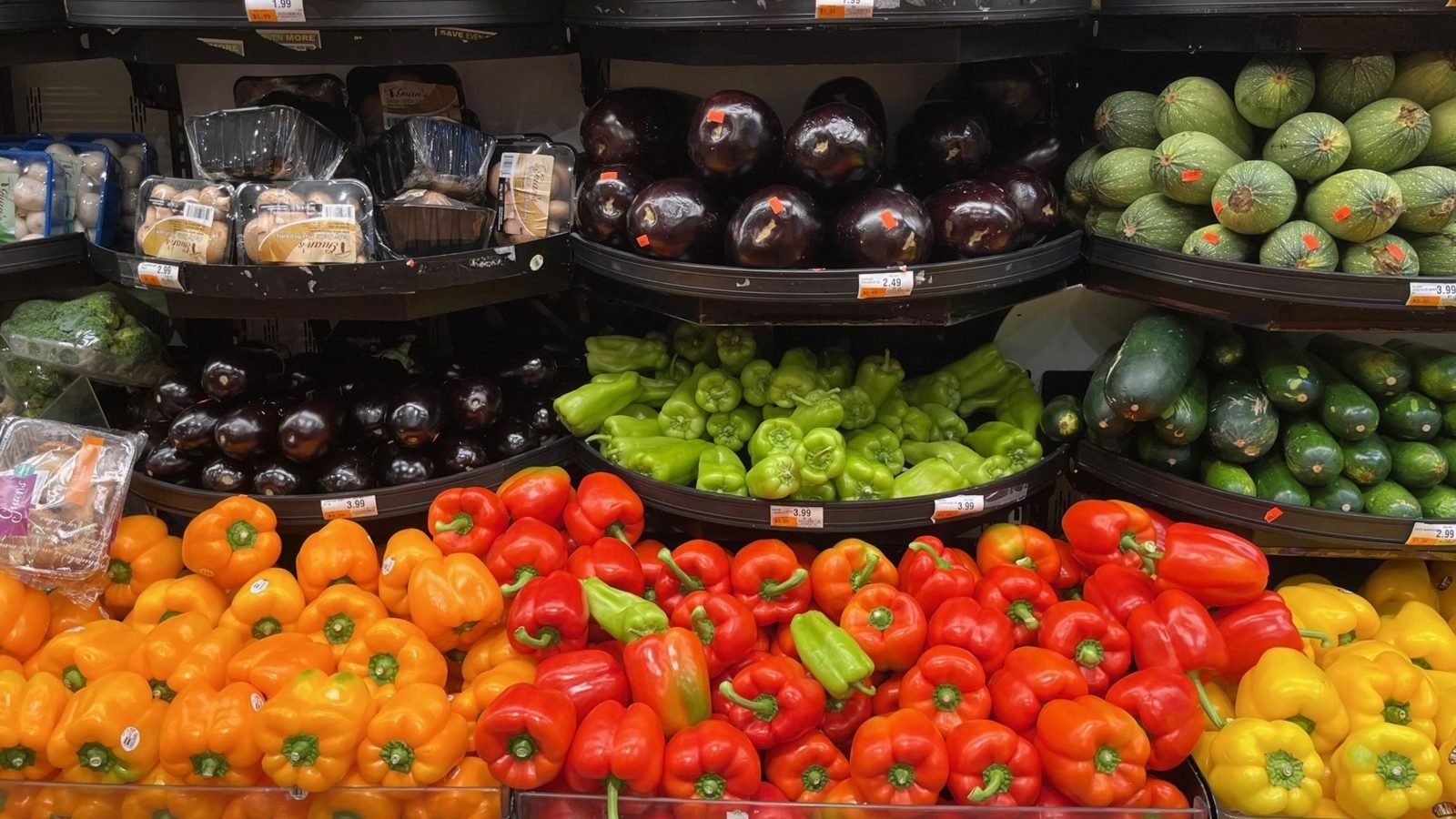
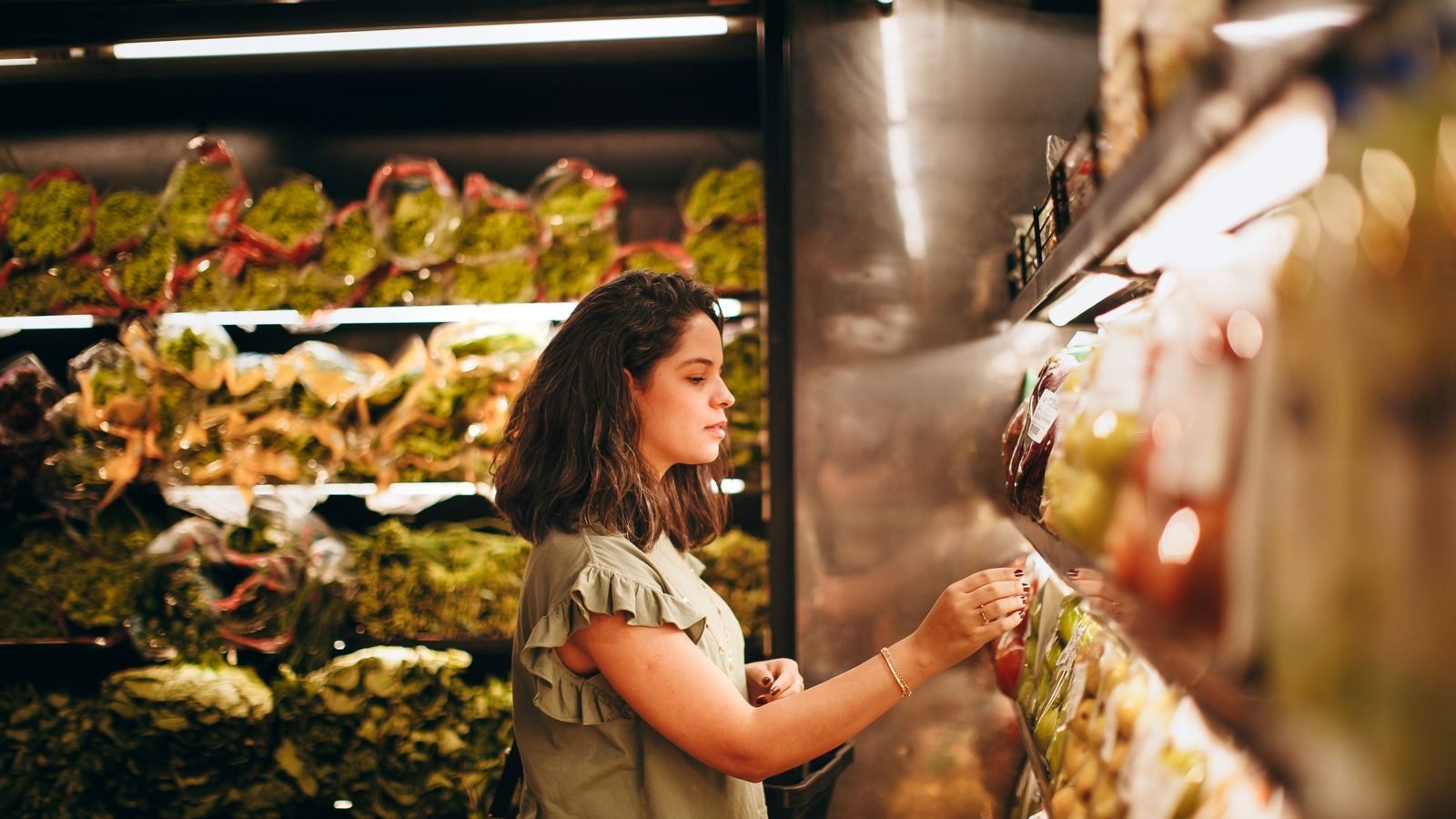
If you plan to show your own baking behind the scenes rather than shopping from a multi-brand range, read the separate guide to organising a creator's visit to a bakery. Filming production requires different arrangements from choosing products off an available shelf. The photographs in this article are illustrative and do not document the store in the Toruń training example.
Assess product enquiries and visits, not just reach
Before publication, decide which signals you will record. A question about the featured pasta, a request for directions to the entrance and a customer's voluntary mention of having seen the video mean something different from a view. Record them separately, without collecting unnecessary personal data. Do not add them together as a count of new customers: the same person may watch the video, send a message and visit the store.
Tell staff which products appear in the content. If customers ask about an item they cannot find, you may need to improve shelf signage or the directions in the description. If they ask whether the store offers delivery when it does not, clarify how to shop. Comments also reveal what the video left out; they are not just an assessment of the creator.
A rise in product sales around publication is not, in itself, proof of the creator's impact. Deliveries, weather, the day of the week or other store activities may matter. Report what you actually know: the content was delivered, specific questions came in, some customers mentioned the video. Describe sales results separately, with the measurement limitations, rather than crediting the creator with every purchase.
How to organise a creator collaboration through Blogger Bank
Post an assignment on Blogger Bank with a shopping plan for your chosen meal. Include the location, possible visit date, expected shots, publication arrangements and the person confirming the offer. This gives creators a basis for applying and lets you compare proposals for the same work. You do not have to start by sending separate messages to random profiles.
When choosing among applications, check previous projects and confirm that the creator can attend at the agreed time. Handle conversations and the contract on the platform, following the described collaboration process for brands. Include the full delivery package in your agreement: video, captions, description, files and a post, if commissioned. Secure payment helps organise payment for the work; it does not guarantee visits or sales.
Check delivery against the assignment: the right products, current information, a clear address, advertising disclosure and agreed rights. Also record who will contact the creator if the offer changes. Start with one shopping scenario the store can honestly show today — and build your first assignment around it.
Frequently asked questions
How do you advertise a small grocery store?
Choose a specific shopping scenario and products available at your location. Commission a local creator to show choices, labels and the route to the store. Before publication, confirm the offer, address and where to check current availability.
What should a creator show during a visit?
The creator should show product choices for a meal, recognisable packaging and the store entrance. Agree on permitted shots and staff participation beforehand. Do not film incidental customers without arrangements or capture information visible at the checkout.
Do you need to promote the entire range?
You do not need to show the store's entire range. A coherent selection for a specific meal helps viewers understand why to visit. Other products can appear in subsequent content if they meet a different shopping need.
How can you avoid advertising unavailable products?
Assign someone to check the featured variants immediately before publication. If a product is unavailable, agree on changing the scene or publication date. State where to check availability and assign responsibility for later updates to the store's content.
Can a creator promise health benefits?
Do not add health promises based on a product's appearance or personal impressions. If such a claim is needed, a competent person must check its basis and permissibility. Until clarified, stick to current, verified product information.
Where can you use commissioned photos?
Use photos in the channels agreed with the creator, for the agreed period. Discuss paid promotion, changes and cuts separately. Receiving a file does not replace agreements covering image rights and the likenesses of people shown in the content.
How can you check whether a campaign attracts customers?
Record questions about featured products and customers' voluntary mentions of watching the video. Separate these signals from views and sales. Do not attribute every purchase to the campaign, as other circumstances also affect the store's results.
How do you find a creator for a local store?
Describe the visit location, shopping scenario, expected shots and publication arrangements on Blogger Bank. Compare applications and creators' previous work. For a post on the creator's profile, also check the available information about their audience's location.