Pizzeria advertising: show how to order for pickup
Short answer
Pizzeria advertising for pickup should explain choosing from the current menu, placing an order, confirmation and collection. Ask a creator to demonstrate this journey without exposing customer details or guaranteeing service times. Describe the scenes and choose a creator on Blogger Bank. Separate creator posts from restaurant files, and menu visits from accepted orders.
Pizzeria advertising for pickup orders should help people order food, not just make them hungry. Show where to find the current menu, how to select pickup and how to tell that the restaurant has accepted the order. Only then guide viewers to the right entrance and collection point. A creator can follow this route on camera, explaining decisions that seem obvious to regulars but may stop a new customer.
Do you have a working ordering process? Post a brief on Blogger Bank for a pickup-order video. Include the address, menu and scenes to show. Creators apply for the task, and you choose who to work with; you manage the collaboration, contracts and secure payment in one place. The platform helps organise the content, but does not take pizza orders or guarantee sales.
Focus on pickup first, not every service at once
Dining in, home delivery and collecting an order involve different arrangements. A video about picking up pizza yourself should name that option from the start. Do not open with a courier shot if the instructions that follow lead to the counter. Do not invite viewers to book a table when the aim is a takeaway order. Viewers need to recognise what they must do themselves.
Agree with the team which channel you will show: the restaurant website, an app or a phone call. Choose a route the pizzeria actually supports. If profile messages are not used to take orders, do not end the video with “message us”. Advertising cannot fix a situation where nobody confirms the order or the customer does not know which branch to visit.
For a post on a creator’s account, look for someone whose audience can use this location. Ask for available audience city data and examples of clear service demonstrations. If you only need files, the creator’s portfolio matters more: can they connect a phone screen with an action inside the restaurant? The guide to restaurant marketing with creators covers a broader range of collaboration formats; the task here is to demonstrate a specific purchase.
The menu in the video must match what people can order
Choose a pizza available through the channel you will direct viewers to. The name on screen, the option mentioned aloud and the contents of the box should all refer to the same order. If you show an extra topping or a different crust, confirm that customers can select that option. Do not present a specially prepared portion as the standard offering.
Before filming, work through the menu on a phone. Check branch selection, item availability and the switch between delivery and pickup. If the system defaults to another address, show the moment you change it. This is more useful than scrolling quickly through the entire menu without leaving any names readable. The publication link should lead to a menu that is kept up to date, not an old photograph of a flyer.
Prepare a short information sheet for the creator: pizza name, the option being shown, available extras, collection point and the person confirming that the details are current. Do not treat it as a script of compliments. The creator needs facts for an accurate demonstration, not a line about “the best pizza in town” that the restaurant cannot substantiate.
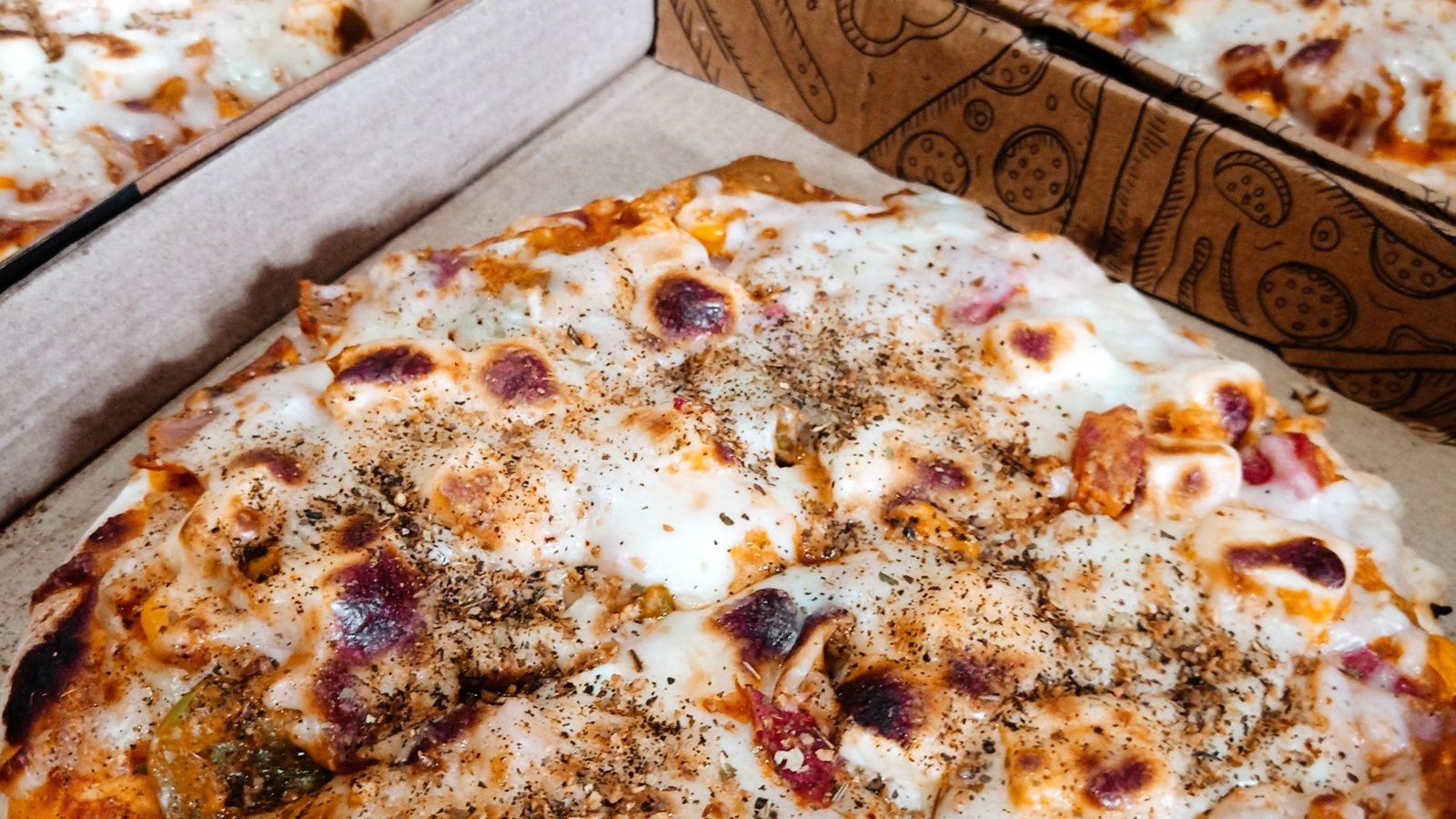
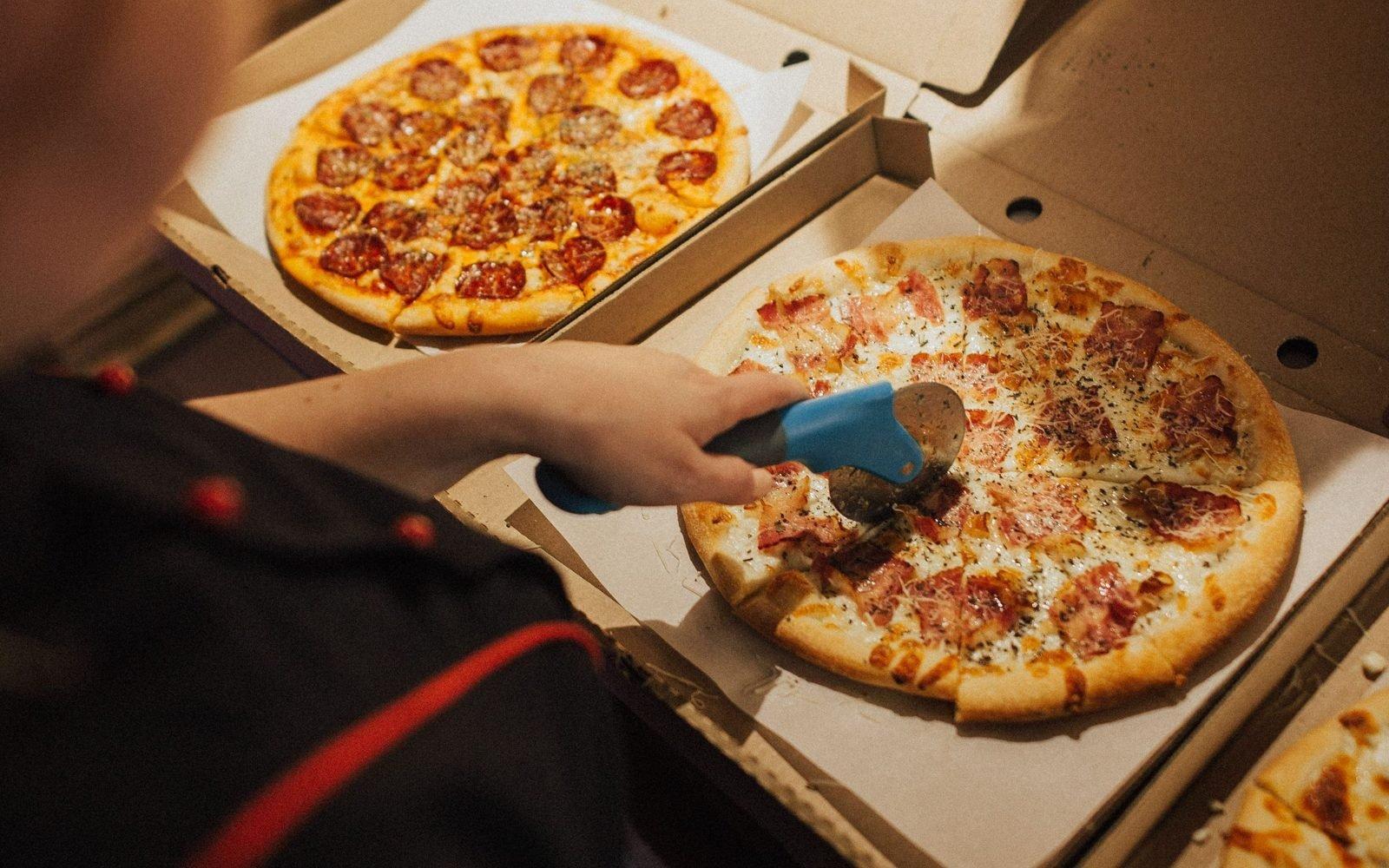
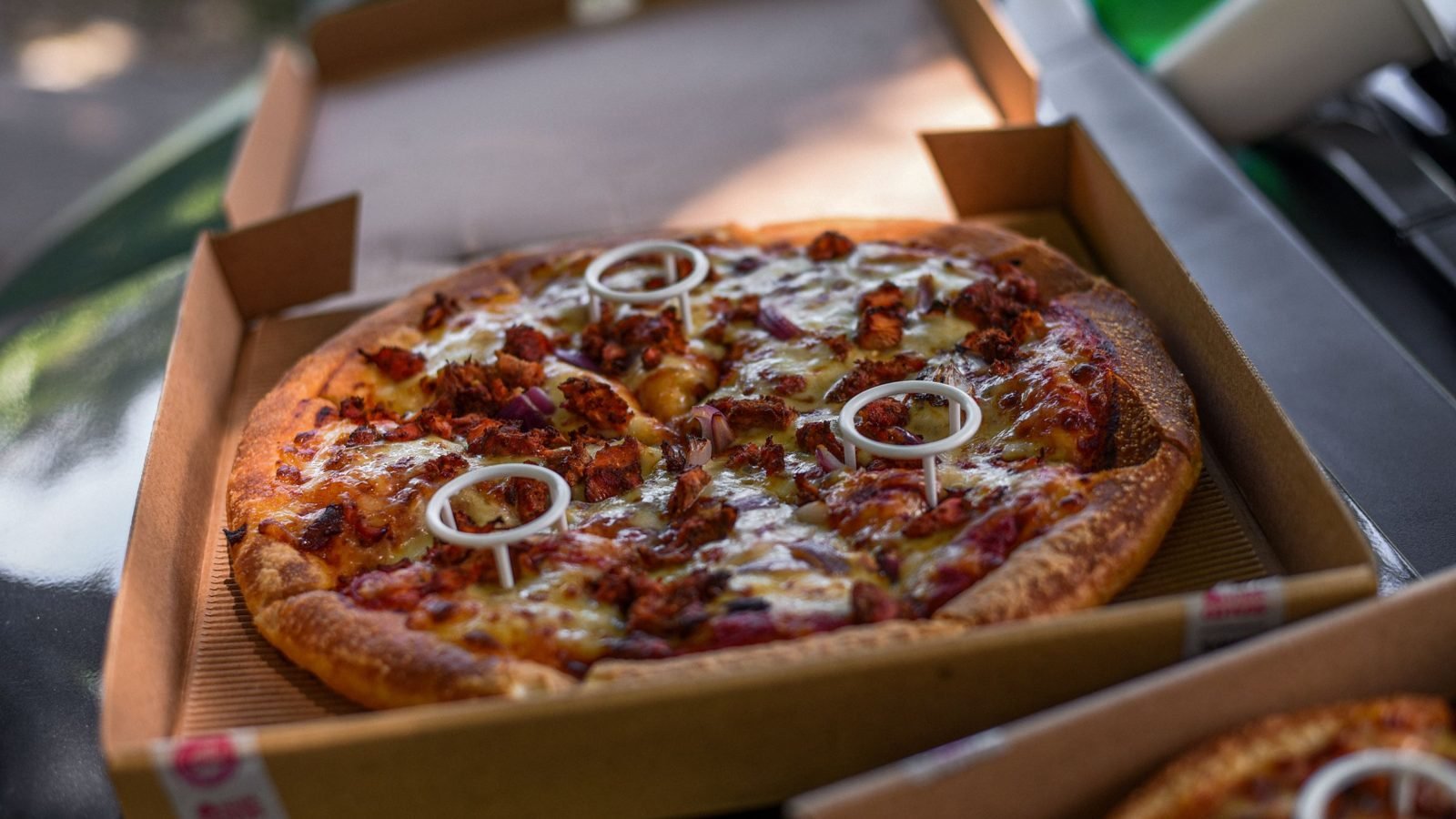
The photographs in this guide are illustrative: they do not show a specific pizzeria’s offering or a Blogger Bank campaign. Content commissioned for a restaurant should show its actual dish and packaging.
Walk through the journey from menu to confirmation with the creator
Training example, not a description of a Blogger Bank campaign: a pizzeria wants to explain how to collect an order placed on its website. The creator selects the correct branch and pizza, chooses pickup and then shows a prepared confirmation screen without customer details. The next scene starts outside the same address. Viewers understand that adding a pizza to the basket does not yet mean the order has been accepted.
Coordinate the demonstration with the person operating the system so that test actions do not unnecessarily trigger food preparation. Do not include real payment details, phone numbers or other people’s purchase histories in the video. If you use a prepared sample screen, label it as a demonstration; do not pretend it is an account from a chance customer. The demonstration should explain the real process, even when the filming data is fictional.
For a phone order, the equivalent of the screen is a clear agreement with staff: what was ordered, at which branch and how the customer will receive collection information. Do not record another guest’s real conversation. Plan the scene with participants who know they are being filmed, and do not add a phone confirmation to a process that actually works differently.
A pickup checklist for the brief
The following sequence is an editorial checklist, not a platform feature: menu → order → confirmation → correct location → pickup. For each scene, note what viewers should understand and what the pizzeria will check before approving the video.
- Menu: the current item and selected branch are visible. Check that the name and option match the offering available on the publication date.
- Order: the creator selects pickup. Check that the edit does not leave a delivery option or another address on screen.
- Confirmation: viewers recognise the message confirming acceptance of the order. Check that the demonstration does not stop at the basket or reveal personal details.
- Correct location: the entrance, sign and information needed to find this branch are visible. Check that they match the address selected earlier.
- Pickup: the creator approaches the usual collection point and picks up the box. Check that it is clear how to identify the order to staff.
Do not cut the transition from ordering to confirmation just because a close-up of cheese looks more impressive. That missing message may leave viewers wondering whether they should already head to the restaurant. At the same time, do not show the entire form field by field: keep the decision points and remove unnecessary details from the frame.
Separate the handover demonstration from promises about timing
A box prepared for filming does not prove that every order will be waiting for its customer. An edit that compresses events does not measure kitchen preparation time either. Instead of “always ready straight away”, show where customers check information about their own order. If available collection times depend on how busy the restaurant is, the video should not suggest a standing guarantee.
Walk with the creator from the door to the collection point. In a restaurant with a shared queue, show the actual procedure rather than inventing a separate counter for the camera. Arrange filming so that it does not obstruct service or show other guests by chance. You do not need to film behind the scenes or at the oven to explain order collection.
Ingredient descriptions need confirmation from the restaurant, not from the pizza’s appearance. The creator should not guess the cheese variety, the origin of toppings or allergen information from a shot. Poland’s Chief Sanitary Inspectorate (GIS) explains the importance of information when choosing food. In the advert, direct ingredient questions to the pizzeria’s current information; do not turn a dish presentation into health advice.
Connect the post to a working ordering process
Open the content and link on a phone as a future customer would. Check that they reach the featured branch, can find the pizza and can choose pickup. If the format does not support a clickable link in the description, agree on an actual place to access the link and name it in the video. The words “order here” are not enough when people do not know where to tap.
You can add this information to your own Business Profile. Google describes posts with a photograph, video and a button leading to a chosen action, such as ordering. Choose content and a link that continue the pickup demonstration. Do not treat adding a post as a promise of better Maps rankings or higher sales.
Assign someone to handle menu changes. When a pizza leaves the menu, check not only the link but also the caption, on-screen text and spoken lines. Updating the restaurant website does not remove outdated information from a video. Before production, agree with the creator how corrections and content updates will be handled. The guide to running a restaurant after a sudden rush of guests covers broader service organisation; publishing pickup instructions is no substitute for kitchen readiness.
Assess views, menu visits, accepted orders and actual collections separately. These stages are not interchangeable. If the system can identify the source of a visit, retain the link’s tracking tag; do not attribute a sale to every click. When comparing periods, note other advertising, changes to opening hours and dish availability. The pizzeria collects order data, not Blogger Bank.
Commission a demonstration with clear acceptance criteria
Prepare a creator brief on Blogger Bank with a scene list, address and ordering method. Add a coordination contact, deadline and details of which screens will be demonstrations. Once applications arrive, choose a creator and agree on acceptance criteria: a readable menu, correct confirmation, the right branch, the collection point and a working route to ordering.
Separate publication on the creator’s account from delivery of files to the pizzeria. The former reaches the creator’s audience; the latter gives you content for the restaurant’s agreed channels. Receiving a file does not mean you can use it freely in advertising. Agree on channels, duration, permission to shorten the material or add captions, and the scope of paid promotion before filming begins.
For the creator’s advertising post, plan a clear advertising disclosure and the pizzeria’s name. Poland’s competition and consumer protection authority, UOKiK, recommends your own disclosure alongside the platform’s feature, where available. A prepared purchase demonstration does not become an independent opinion just because the creator speaks naturally. The Google, GIS and UOKiK sources were checked on 20 November 2026.
Start by going through your own pickup order. Note the points where a new customer has to make a decision and put them in the brief. Good content will show how to collect this particular pizza from the correct branch — without guesswork or promises that staff cannot confirm.
Frequently asked questions
How should you advertise a pizzeria focused on pickup?
Show the journey from the current menu to collection: branch selection, pizza, pickup and confirmation. Commission a clear creator demonstration and connect the post to a working ordering method. A finished-dish shot alone does not explain the entire purchase.
Should one video advertise both delivery and pickup?
If you show both options, clearly separate their conditions and the customer's actions. A short video can explain one route more easily. Do not combine a courier shot with counter-collection instructions without showing the change of ordering option.
What should you show besides the finished pizza?
Show the current menu item, pickup selection, the order acceptance message and the correct entrance. Add the usual box collection point. Prepare screens without customer details while preserving the actual sequence of the process.
Can you promise collection times based on the recording?
Do not generalise the timing of one visit or a compressed edit to every order. Show where customers receive information about their own collection. A box ready during a staged recording does not prove consistently fast service at the pizzeria.
How should you describe pizza ingredients?
Use the current offering confirmed by the restaurant. The name, option and extras in the video should match the order. Do not guess ingredients or allergens from appearance; direct questions to the current information provided by the pizzeria.
What needs changing after a menu update?
Check the destination link, post caption, on-screen text and spoken information. Updating the restaurant website alone does not correct an old recording. Agree on a correction process with the creator and assign someone to communicate confirmed changes.
How can you distinguish interest from an order?
Record views, menu visits, accepted orders and collections separately. A click does not confirm a purchase. Use available pizzeria data and link tags, accounting for other advertising and changes to the offering when comparing periods.
How should you describe the task on Blogger Bank?
Include the address, ordering method, current menu, scenes and video acceptance criteria. Separate creator publication from file delivery to the pizzeria. Choose from applicants and agree on the deadline, revisions, advertising disclosure and scope of content use.