UGC Video Accessibility: What Brands Should Check Before Publishing
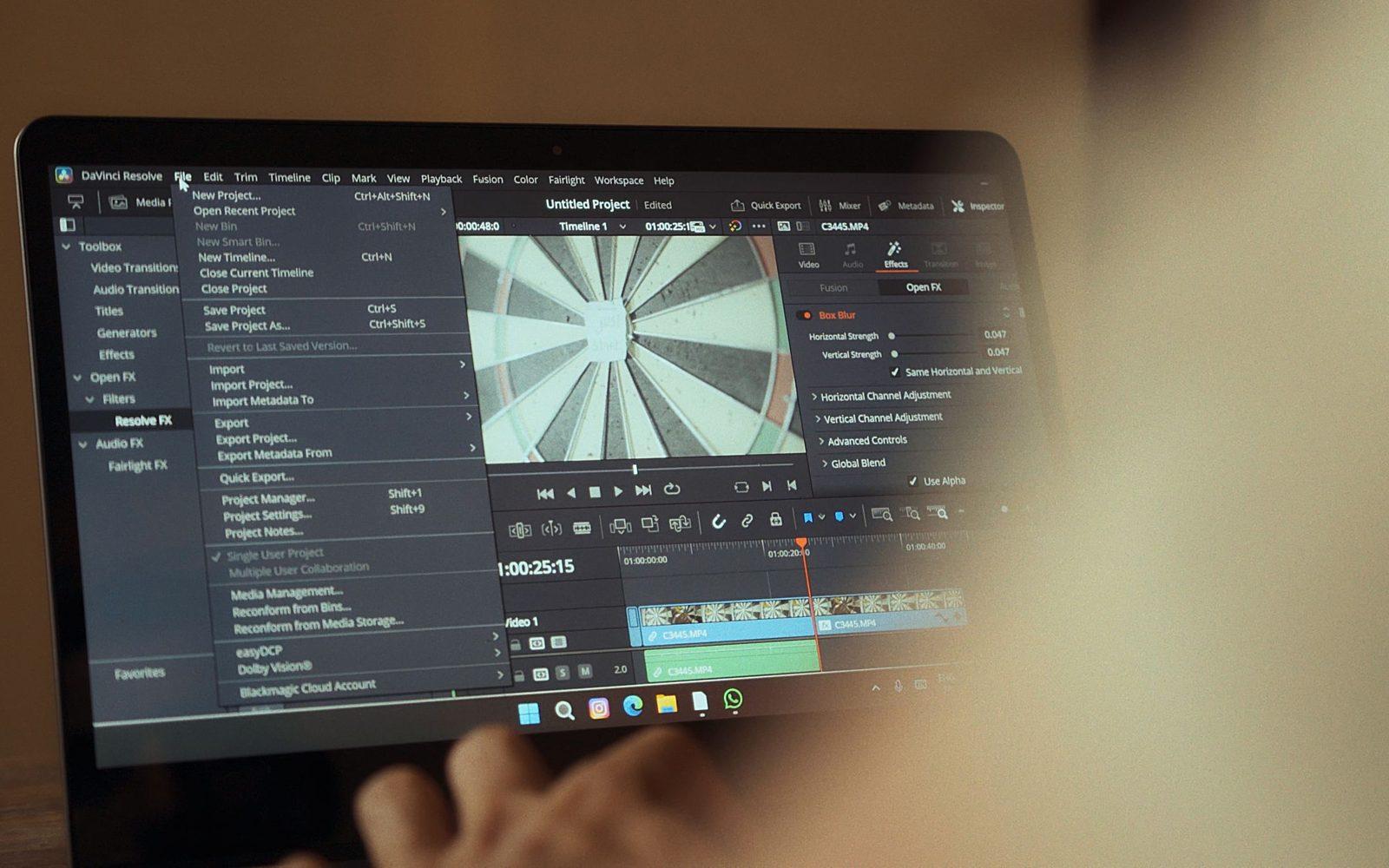
Short answer
Check UGC video accessibility in the finished export: compare captions with audio, assess readability on a phone, and test meaning with sound muted and without looking at the picture. Agree on a text alternative and publishing responsibilities. Tie feedback to specific passages and missing information. This editorial review identifies barriers but does not establish WCAG conformance for the material or website.
Check UGC video accessibility in the finished material, not in a promise that “there will be subtitles”. A video can transcribe speech correctly and still hide its instructions behind app buttons. It can also demonstrate a product without explanation, leaving someone who cannot see the picture hearing only “do this”. At acceptance, brands should check whether the audience receives the meaning, not simply whether extra features are present.
This is a practical editorial review of commissioned video: captions, readability and information conveyed through different channels. It is not an audit of an entire website or confirmation of WCAG conformance. A formal assessment also depends on the publishing environment and player. Keep these matters separate so an ordinary acceptance record does not pretend to be an accessibility certificate.
If you commission the material on Blogger Bank, include accessibility requirements in the assignment before selecting a creator. Instead of just “a video with subtitles”, specify which information must remain understandable without sound or pictures. These agreements will guide acceptance later.
Write down what viewers need to understand
Before playing the file, note the main action and any information without which the video becomes misleading. For an organiser demonstration, that means how it opens and how its dividers fit; for an app, the function name and the result of using it. These notes provide a reference for watching without sound and listening without pictures. They remove the need to guess the creator's intentions.
The guide to writing a creator brief covers the overall commission. Add acceptance criteria: corrected captions, readable text, understandable spoken instructions and an agreed text alternative. Name the person checking the export and the person responsible for publishing settings. They are not necessarily the same person.
Request the files needed for corrections too: a version without burned-in captions and an editable caption file, if that scope has been agreed. A video with fixed text is difficult to adapt to another crop. Do not demand extra files at acceptance if they were not part of the commission.
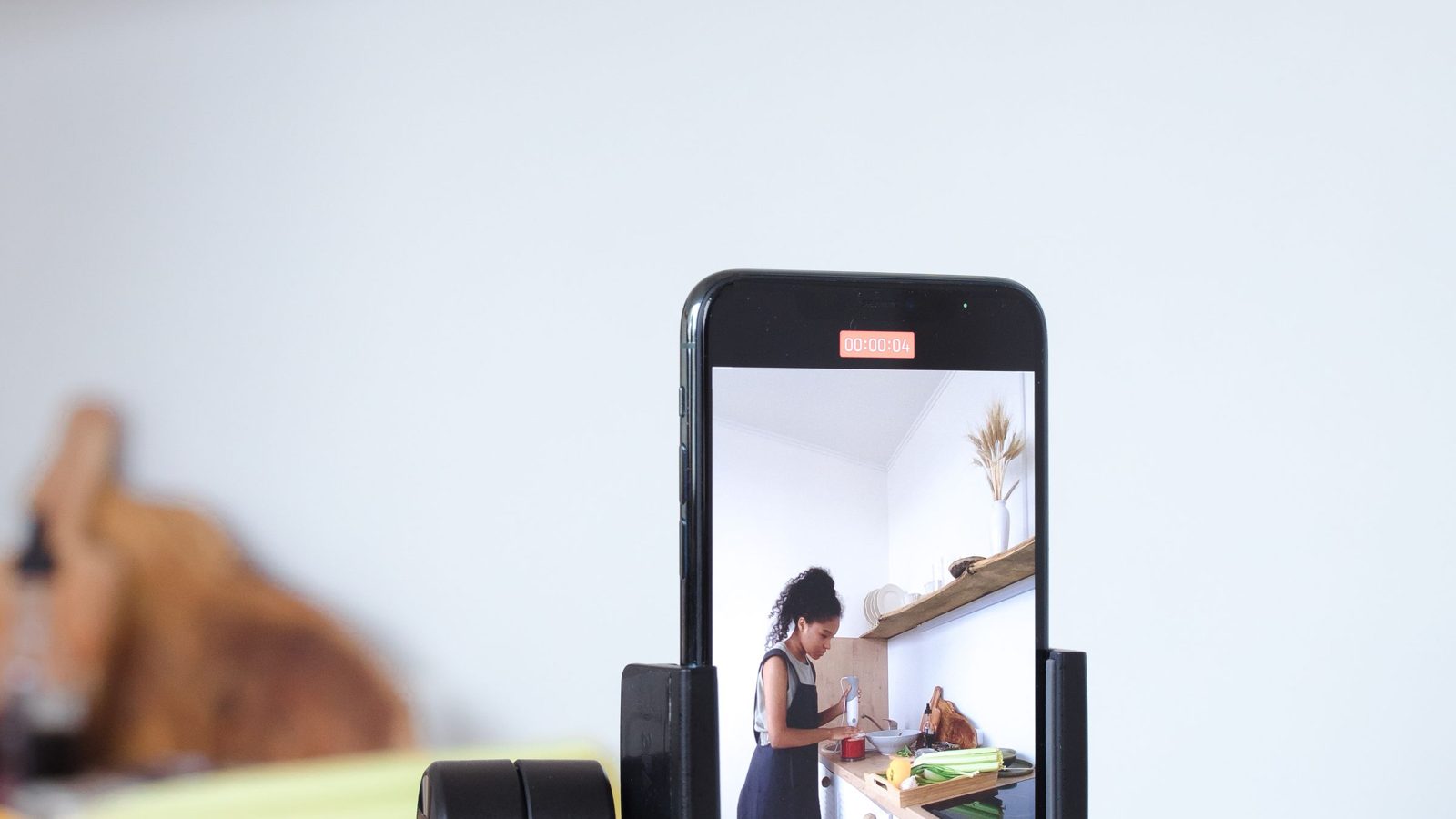
Captions must convey information, not just speech
W3C WAI describes accessibility captions as synchronised text of speech and the audio information needed to understand the material. Transcribing dialogue alone is therefore not always enough. If a click confirms that a lid has closed, someone watching without sound should receive that information in the captions too. There is no need to describe every rustle that explains nothing.
Compare captions with the audio from beginning to end. Check product names, negatives, sentence endings and speaker identity when the picture does not make it clear. Treat automatic transcription as a draft. Changing “do not press” to “press” is not a cosmetic typo: it reverses the instruction and prevents acceptance.
Distinguish complete captions from advertising slogans on screen. “An organised drawer” may be a useful heading, but it does not replace “slide the divider into the chosen groove”. If the edit shows only slogans, ask for the missing information rather than assuming every text layer performs the same function.
Check moving text in its publishing environment
Assess readability during normal playback on a phone, without pausing every text card. Check whether you can read the caption and recognise the demonstrated action at the same time. If you must choose between text and demonstration, shorten the wording without losing meaning or extend the shot. Shrinking letters simply to fit a sentence does not solve the problem.
Review captions against every background they cross. White lettering may work on a countertop and disappear over pale packaging. A consistent background behind the text can be a more practical correction than a shadow that disappears in motion. Do not judge size and contrast solely on the editor's large monitor.
- Do not split product names and short phrases at arbitrary points.
- Do not convey meaning through colour alone: label “open” and “closed” states when relevant.
- Check that text does not cover the hands, fastening or button the instruction refers to.
- Play a preview of the intended placement, including its description and interface elements.
An editor preview does not establish that captions survive cropping or app overlays. If the brand prepares different versions for different placements, each needs its own check. Acceptance of a vertical file should not be assumed to cover a later square crop.
Watching without sound: does the instruction survive?
Mute the video and watch it as the audience will. Afterwards, try explaining what the product demonstrates, the sequence of actions and what to do next. Compare your answer with the notes prepared before acceptance. If an important condition is missing, decide whether it belongs in captions, visible instructions or both.
Educational example, not a campaign account: a creator closes a container and says “press until you hear a click”. Without sound, the hand movement alone does not explain how to recognise correct closure. Captions can convey the speech and mark “[lid clicks shut]” at the relevant moment. If the confirmation is not visible, a close-up of the closed lid is also worth showing.
Do not mechanically add captions to a video whose sequence is already unclear. When an edit omits an important step, the problem concerns the scene, not transcription. The article on product videos from creators covers commissioning demonstrations; accessibility acceptance checks whether that demonstration can actually be understood.
Listening without pictures: replace unexplained “here” and “this”
Put the phone face down and listen. Phrases such as “now I press here” and “you can see the difference” reveal dependence on the picture, but do not yet specify the correction. Name the missing information: a button's position, a change of state or a product detail. Describe that gap in feedback instead of writing a vague “add more narration”.
W3C WAI explains description of visual information, including description integrated naturally into speech. In a demonstration, “I do this” can become “I slide the divider into the groove beside the side wall”. If the main narration already conveys all important visual information, there is no need to duplicate it with extra commentary simply to tick a task off.
When important text appears only in the picture, consider reading it aloud or preparing an appropriately described version. Do not squeeze description into a gap too short to understand it. A different edit or separate version may be necessary. Listening alone identifies gaps, but does not replace assessment of user needs and player capabilities.

Add a text route to the content
A transcript need not stop at the words spoken in the video. W3C WAI distinguishes basic and descriptive transcripts: the latter also includes visual information necessary to understand the content. For a demonstration, add important actions missing from the dialogue and significant text shown on screen.
Read that document without playing the video. If “then close it” does not explain what to close or how, the description still needs editing. Place the text somewhere viewers can find in connection with the recording, according to the channel's capabilities. A file hidden on the team's drive is working material, not an alternative available to the audience.
Do not call a list of sales slogans a descriptive transcript. Nor should it be presented as a universal replacement for captions or audio description. These forms solve different problems; the choice depends on content and publication, not on which attachment is easiest to deliver.
Give feedback that can be verified
An acceptance record should connect the filename, the relevant passage, the missing information and the expected outcome of a correction. “The captions are poor” leaves the creator a puzzle. “The container-closing shot lacks the click information; when muted, it is unclear when the lid is closed” describes a specific obstacle that can be checked again.
When reviewing a deliverable on Blogger Bank, relate feedback to a specific file version and the assignment requirements. Collect it into a coherent set before sending it to the creator; accepting work on the platform does not replace the brand’s accessibility review.
Separate a failure to meet the commission from a change in scope. A typo in agreed captions differs from commissioning an additional described version that was never included. After a correction, review the whole changed passage again: moving text may cover another detail, and extending a shot may disrupt synchronisation.
Record which files and versions were accepted and what remains for the publisher: adding a caption track, connecting a transcript or checking the crop. Acceptance ends in a decision about a specific deliverable, not a general statement that a creator “makes accessible content”. Recheck the final preview after configuring publication, without making it public before approval.
Specifying requirements in a Blogger Bank commission
Create a brand account and describe the material together with acceptance criteria. Also assign someone to check the finished export before publication.
Frequently asked questions
Are automatic captions enough to accept UGC?
Treat automatic captions as a draft. The brand should compare them with the recording, correct names and negatives, and check synchronisation. If sound conveys important information beyond speech, the captions should include that information as well.
How do you check a UGC video without sound?
Mute the finished export and watch without pausing. Check whether you understand the product, sequence of actions and next step. Compare missing conditions against the brief, then tell the creator exactly which information needs adding to the material.
How do you check meaning without pictures?
Listen to the finished video without looking at the screen. Note passages where speech depends on a gesture, text or visible change. Request narration naming the missing information or an agreed version that includes visual description.
Can on-screen slogans replace complete captions?
Advertising slogans cannot replace captions when they omit speech and important sounds. Distinguish a heading from an instruction during acceptance. Viewers without sound need the information required to understand the action, not simply a general benefit statement.
Where should caption readability be checked?
Check captions on a phone during normal playback and in a preview of the intended placement. Assess changing backgrounds, reading time and interface overlays. An editor's large monitor does not reveal every obstacle viewers will encounter in the finished video.
What should a descriptive transcript contain?
A descriptive transcript should convey speech, important audio information and the visual information needed to understand the material. For demonstrations, include actions not described aloud and significant on-screen text. Make the document available to viewers alongside the recording.
Does this review confirm WCAG conformance?
An editorial review of finished UGC does not confirm WCAG conformance or audit an entire website. It helps identify content barriers. Define formal assessment separately, taking the publishing environment, media player and user needs into account as well.
How should accessibility feedback reach the creator?
Identify the file, passage and missing information, then describe the expected correction outcome. Distinguish a failure against the brief from additional scope. Review the whole passage after changes, since moving text or extending a shot may introduce another obstacle.