TikTok video dimensions, aspect ratio and safe space for text
Short answer
For vertical TikTok videos, use 9:16 and 1080 × 1920 px as a production recommendation, not a minimum for every post. Check ads against the placement specification and correct safe zone template. When working with an influencer, Blogger Bank helps collect applications, assess profiles, arrange a contract and pay securely; the brand checks export settings and previews.
TikTok video dimensions are best agreed before editing, but final approval should wait until you have checked the export with the app interface. For vertical content, use 9:16 and 1080 × 1920 px as production settings, not the platform’s universal minimum. A video can have the correct aspect ratio and still display the product name beneath a button or cut off text. For ads, the placement, meaning the specific location where the ad runs, also matters.
If you are commissioning a product demonstration from a creator, include the requirements in the assignment before filming starts. Create a brand account on Blogger Bank and describe where the video will be used, the file versions and the approval process. Creators apply themselves; you choose a collaborator based on their profiles and content. The platform organises the assignment, contract and secure payment, but does not configure exports or campaigns in TikTok Ads Manager for the brand.
TikTok dimensions: a regular post is not an ad specification
Aspect ratio defines the image’s shape, while resolution defines its pixel count. The ratio 9:16 means vertical. Selecting a vertical sequence in your editor does not prove that the final file has the right dimensions: export settings can differ from project settings. Check the finished file’s width and height, not just the name of a “TikTok” template.
The overview below separates production recommendations from advertising requirements. We checked the information on 5 November 2026. In its video advertising production guide, TikTok recommends vertical 9:16 and an export of 1080 × 1920 px or larger. This is a starting point for producing a vertical video, not proof that every post and ad must have exactly these dimensions.
Regular profile videos: settings for the brief
- Aspect ratio and resolution: for a vertical product demonstration, we suggest 9:16, 1080 × 1920 px. This is an editorial recommendation based on TikTok for Business production guidance, not a statement of minimum requirements for every organic post.
- File format and limits: do not apply an advertising limit to a regular post. Confirm that the final file can be uploaded in the intended app or publishing workflow before accepting the content.
- Length and available tools: check these on the account that will publish the video. TikTok’s help page on camera tools distinguishes between recording in the app and uploading existing content; we do not treat it as a complete table of export settings.
- Text and product: check their visibility with the actual caption and app elements. A vertical frame alone does not provide a safe place for text.
We do not give a single megabyte limit for all regular posts: the help materials we checked do not support such a universal table. If the video will later be used in an ad, agree on that upfront. “Can be published” and “is suitable for the commissioned placement” are two different acceptance criteria.
Ads: specifications depend on the placement
In the auction In-Feed Ads specifications, updated in June 2026, TikTok lists the following requirements for Non-Spark Ads, meaning ads uploaded as separate content:
- Vertical: recommended 9:16, at least 540 × 960 px.
- Horizontal: 16:9, at least 960 × 540 px.
- Square: 1:1, at least 640 × 640 px.
- Files: .mp4, .mov, .mpeg, .3gp, .avi; file size up to and including 500 MB.
- Length and bitrate: up to 10 minutes; a bitrate of at least 516 kbps. These are the technical limits of this specification, not a recommendation to make a long ad or export at the lowest permitted quality.
Do not copy these settings into every assignment. For reservation In-Feed Ads, including Reach & Frequency, the July 2025 document lists the same minimum dimensions for Non-Spark Ads and Spark Ads Push, but a length of 5–60 seconds and a bitrate of at least 2500 kbps. The formats listed are .mp4, .mov, .mpeg and .3gp, with a file size of up to 500 MB. The 9–15 seconds stated there is a recommendation, not the full permitted range.
Spark Ads Pull use an existing post. The auction specification lists .mp4 or .mov and imposes no additional length limit in this section. That does not mean TikTok videos can be arbitrarily long: the content must first meet the publishing requirements. We discuss the code and permissions for using a post separately in our guide to Spark Ads with creator content.
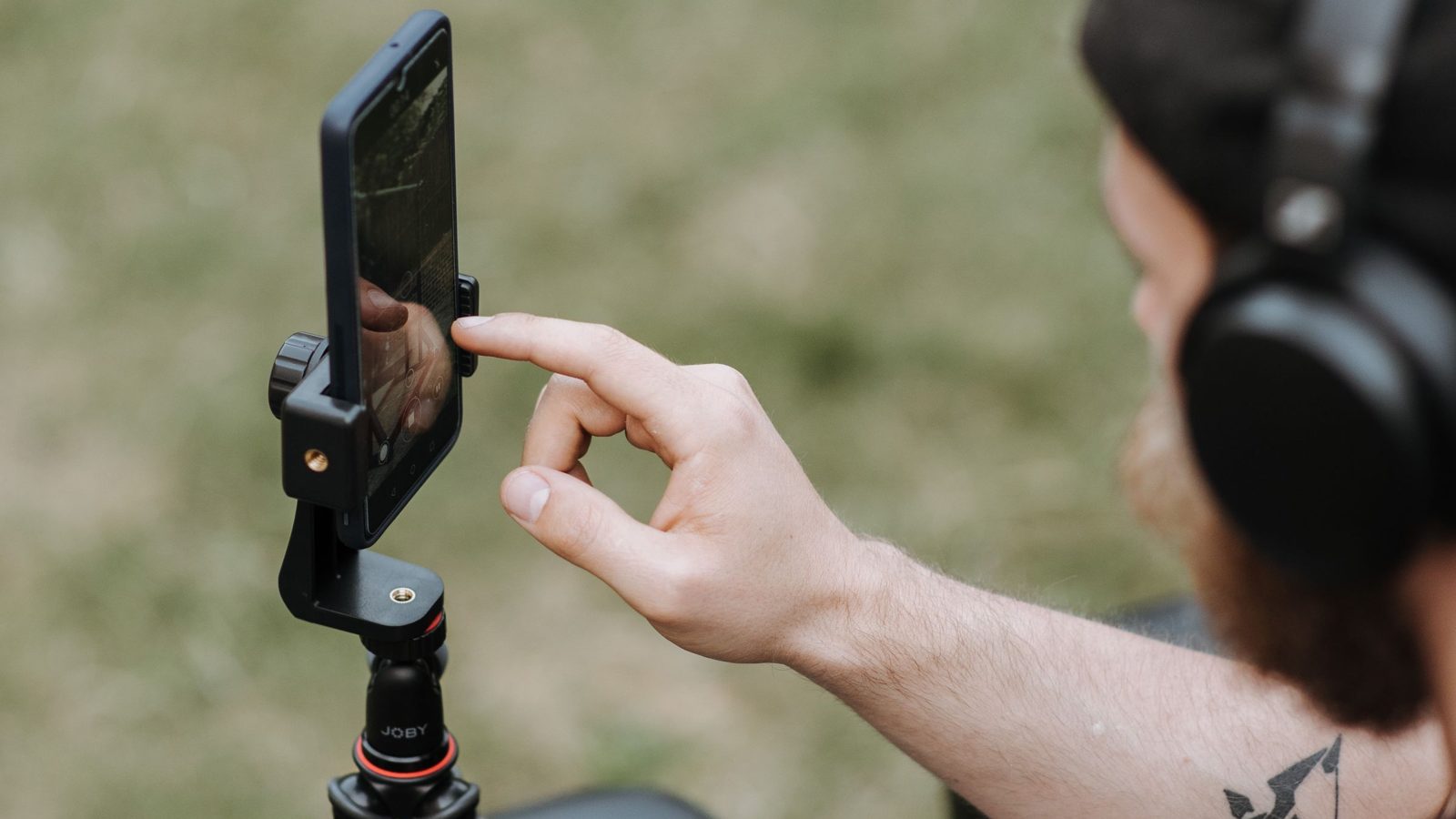
If the same demonstration will also appear on Instagram, do not limit adaptation to file settings. See how to adapt a product video for TikTok and Reels: keep the demonstration, but check the opening, captions, audio and ending separately for each destination.
Safe zone: download the template for your ad
The safe zone is the area where key text, the logo and the product should not clash with the interface. There is no single set of margins that can honestly be promised for every TikTok video. In the official In-Feed specification, the safe zone’s size depends on the aspect ratio, caption length and additional ad elements. Changing the caption can therefore disrupt the composition without changing the file itself.
Open the “Safe Zone” section on the auction In-Feed specifications page. For content aimed at the Polish market, select “Standard Version (LTR)”. Download “In-Feed Standard” or, if the ad uses an anchor, the appropriate “In-Feed with Anchor Standard” package. An anchor is an additional ad format element; do not select a template solely because its thumbnail looks similar to your video.
- Agree on the placement type, aspect ratio, final caption and extras with the person running the ad.
- Open the appropriate file from the official package and overlay it as a guide layer on a project with the same aspect ratio. Fit it to the entire image without stretching one axis.
- Review the points where text changes, the logo appears or the product approaches the edge. Move an important element if it falls beneath the overlay.
- Turn off the guide layer before exporting. The template is for checking, not part of the finished ad.
TopView needs a separate check. The TopView specification, updated in October 2026, describes an initial full-screen phase followed by display in the feed. Check both zones, not just the standard In-Feed template. TikTok also notes that previews and ad delivery can differ between devices. A template reduces risk but does not replace watching the content.
Check the export, not the preview in your editing software
Start the acceptance review by downloading the original file, not a copy saved from a messaging app. Read the resolution, length, format and bitrate in the file properties or media information. Compare them with the specification entry that applies to the assignment. The name “final_tiktok” proves nothing, nor does a vertical thumbnail in a folder.
Then play the file from beginning to end. Look for black bars added during export, a stretched product, blurry letters and speech cut off at the end. If a small horizontal recording remains inside a vertical canvas, the file’s formal resolution may be correct, but the content does not make use of the screen. Enlarging a low-quality source will not restore product detail.
Next, load that exact export into the preview for the intended post or ad. Set the correct caption, button and available extras. On a phone, review the opening frame, demonstration and closing message separately. Check whether viewers can see the product and the key information without pausing the video. If you also test another device, record which preview versions you actually watched.
An acceptance review example: a creator demonstrates a container’s closure, with a label naming the model near the bottom edge. Everything is legible in the player. Only the ad caption and button obscure the name. The correction concerns text placement, not resolution. If the hand holding the product moves outside the visible area, however, the shot needs reframing and sometimes filming again. This is a checking scenario, not a description of a measured campaign.
What to give the creator to avoid reworking everything after review
The technical brief should specify a concrete result: where the video will be used, which file you want to receive and who approves the preview with the interface. Do not write only “TikTok format”. If you need help organising the production itself, see how to order a product video from creators. Here, the scope ends with technical preparation and file acceptance.
Add an assignment for a creator on Blogger Bank with the placement name, a link to the current specification and the correct safe zone template. State whether you are ordering a version with text, clean footage for further editing or both versions. When choosing a creator, assess similar product demonstrations on their profile. Agreements, the contract and payment remain part of the collaboration on the platform; checking the file and configuring Ads Manager are the responsibility of the brand and its contractors.
Write revision notes so the creator can reproduce the issue: file name, timestamp, obscured element, ad caption used and a screenshot of the preview. “Move the label above the bottom panel” only becomes useful when you specify which panel and variant you mean. After a change, download the new export and repeat the check instead of approving only a screenshot from the editor.
Complete acceptance with a short checklist
Keep the accepted file’s name, placement, date and URL of the specification checked, safe zone template name and preview result with the content. Separate the statuses: “file parameters compliant”, “text legible with the interface” and “ready to hand over for publication”. Technical compliance does not guarantee ad approval or sales.
Start by selecting a specific placement and adding it to the assignment. Only then approve the export: first the parameters, then product and text visibility in the intended preview.
Frequently asked questions
What dimensions should a TikTok video have?
For vertical video, use 9:16 and 1080 × 1920 px as a production recommendation, not a universal minimum for every post. For ads, compare the export against the placement specification and check text with interface overlays.
Does TikTok accept only vertical ads?
No. The auction In-Feed Non-Spark Ads specification checked on 5 November 2026 allows vertical, horizontal and square formats, with separate minimum resolutions. Vertical is recommended. Do not automatically apply this list to other ad placements.
Is 1080 × 1920 px the minimum size for a TikTok ad?
Not for auction In-Feed Non-Spark Ads: the specification checked on 5 November 2026 gives a vertical minimum of 540 × 960 px. A larger export is a production recommendation, but enlarging poor source footage will not restore product detail.
Which file format should I choose for an auction In-Feed ad?
The Non-Spark Ads specification checked on 5 November 2026 lists MP4, MOV, MPEG, 3GP and AVI, with a 500 MB limit. Before acceptance, also check length, bitrate and resolution; the file extension alone does not confirm compliance.
Where can I download TikTok’s official safe zone?
Find templates in the Safe Zone section of the TikTok Auction In-Feed Ads specification. For the Polish market, choose Standard Version LTR and the variant matching anchor use. Other placements, such as TopView, need their own zone checks.
Is there one safe margin for text?
There is no single margin for all TikTok ads. The area depends on aspect ratio, caption length and additional ad elements. Choose the official template for your content, then watch the export with the intended interface and caption.
How should I check the finished export before approving a video?
Download the original file, read its parameters and compare them with the placement specification. Play it throughout, then check the product, logo and text in the intended preview. After revisions, recheck the new export, not just the project.
How do I commission a creator video with the right dimensions?
In your Blogger Bank assignment, specify the placement, file parameters, specification link and correct safe zone template. Agree on versions with or without text and the acceptance process. Creators apply themselves, and the brand approves the result.