Product bundles without discounts: how can a creator show their value?
Short answer
Show the value of a bundle without a discount through products used together: each item’s role, verified compatibility and the actual steps involved. Separate the package contents from the creator’s extras and explain the limitations. On Blogger Bank, you can commission a demonstration, choose from creator applications and agree on the deliverable. The brand checks the contents and promises.
Product bundles without discounts need to answer one question: “Why should I buy these things together?” Work with a creator to demonstrate a task that genuinely calls for the whole bundle, and show the role of each item. Viewers should see what works together, what they can do after opening the package and what else they will need. Simply arranging products on a table does not explain a bundle’s value.
For this demonstration, choose a creator who can carry out the task and explain it to a beginner. Create a brand account on Blogger Bank and describe your bundle demonstration. Prepare a list of the contents, the intended use and the questions customers have. Creator applications will help you choose someone for a specific job, rather than commission generic praise for your products.
The reason to buy together needs to be visible
A bundle’s value can lie in the thoughtful selection of items for one activity. But writing “everything you need” is not enough. For whom, for what and under which conditions? A kit for a first art project serves a different purpose from a collection of materials for someone who already runs a studio. The more precisely you define the use, the easier it is for the creator to show why the items belong together without making promises to everyone.
Test each item with a question: what would disappear from the demonstration if we removed it? If the answer is “nothing”, the product may be a decorative addition, an optional extra or an arbitrary filler. You do not have to remove it from the offer, but do not call it essential. A creator should not have to invent a use just because a brand wants its entire stock in one shot.
This differs from sales promotion with creators, where an extra incentive encourages people to buy sooner. Here, you are not building a message around a price deal. You are explaining the selection and how to use it. Avoid “free”, “you save” and “better value for money” if the content is meant to focus solely on the bundle’s functional value.
Start with a bundle you can demonstrate honestly
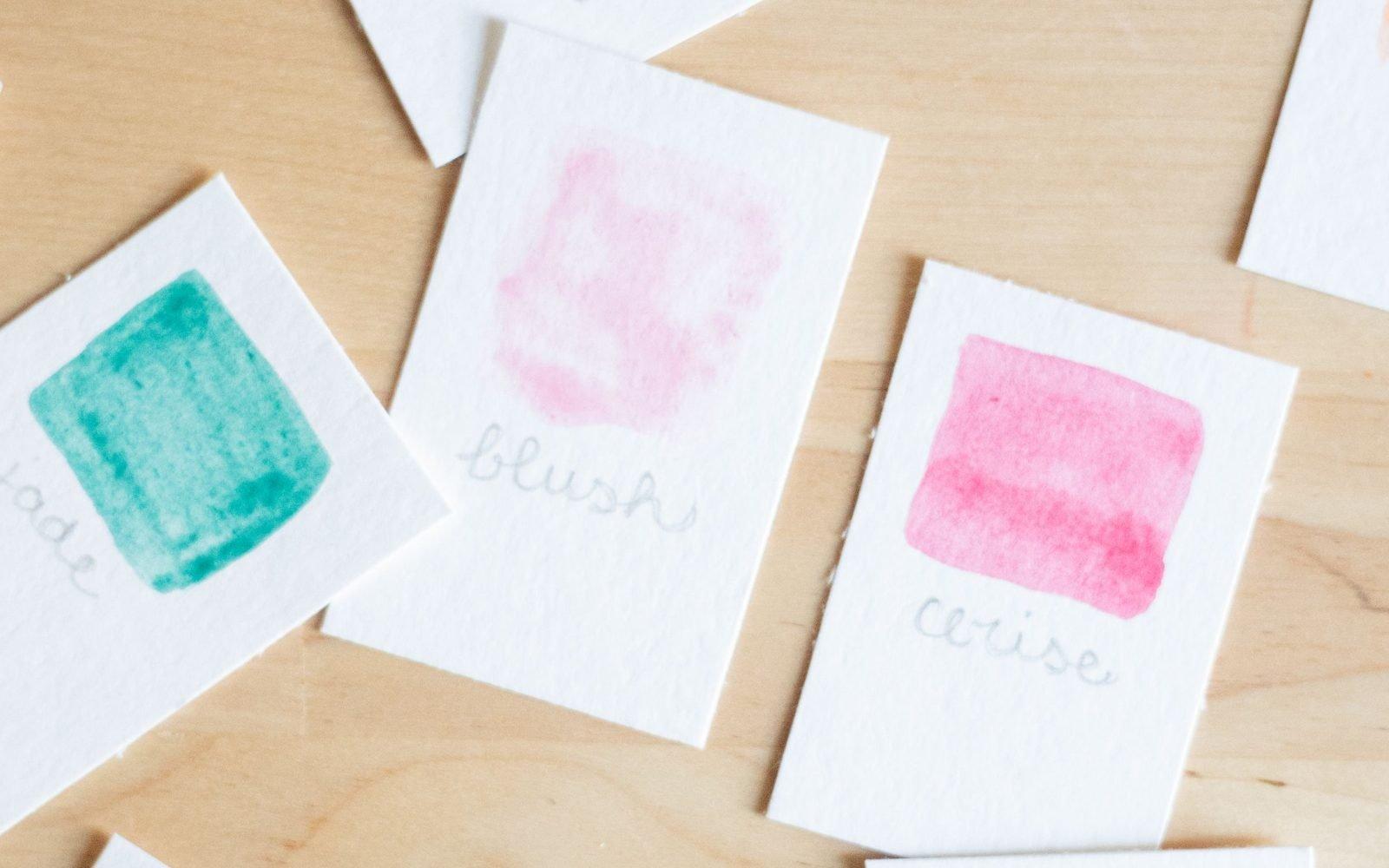
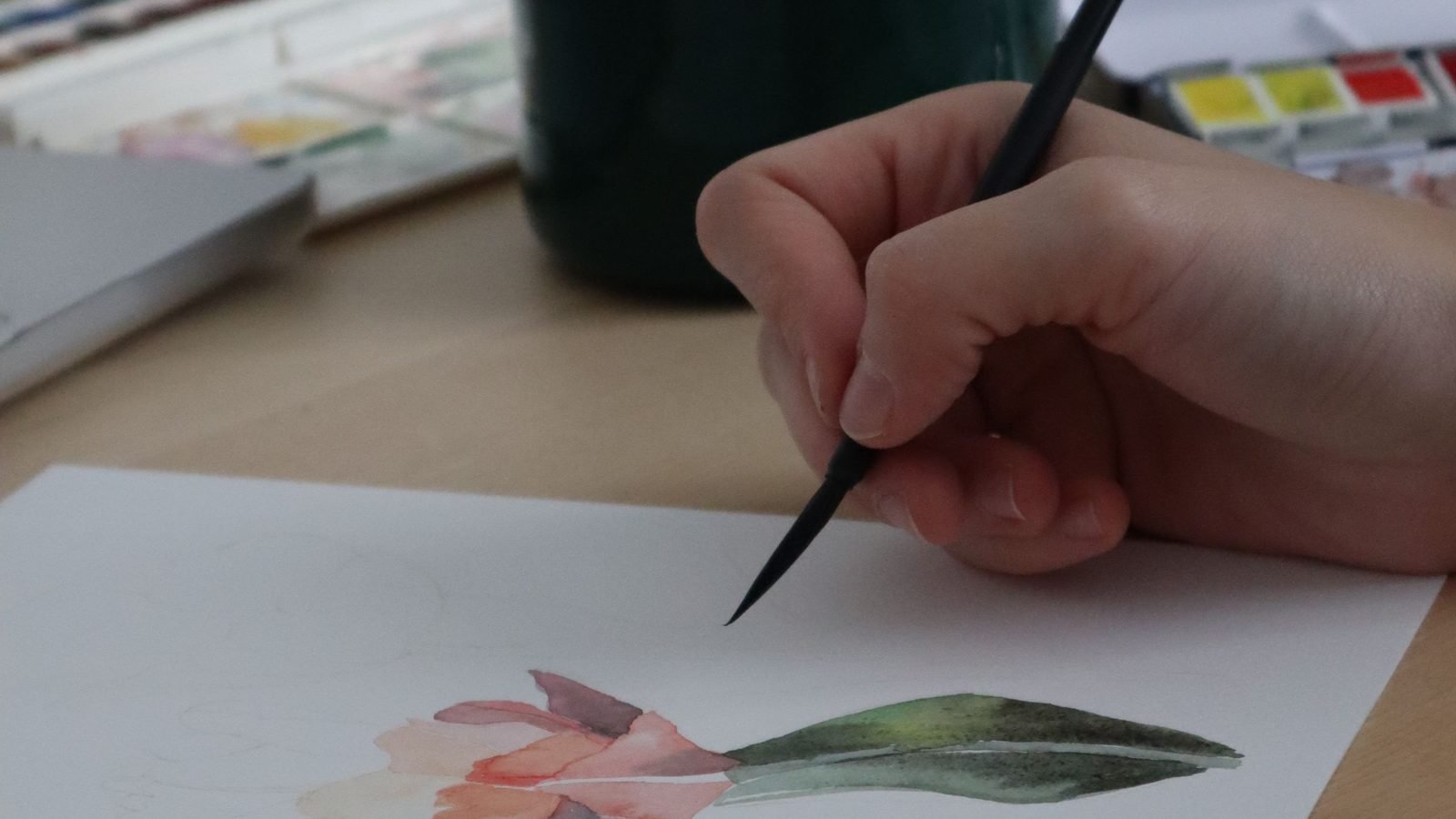
This is an educational example, not a Blogger Bank client campaign: an art supplies shop wants to present a kit for painting a watercolour card. The kit contains paints, a brush and paper. The creator will show how to prepare the workspace, test a colour, paint a simple design and finish the card. We are not promising that every beginner will achieve the same result, or that this selection will work with every technique.
In this demonstration, the paints provide colour, the brush applies it and the paper is the surface for the work. That is only a starting point for checking the kit, not proof that any products in these categories will work together. The shop should specify the exact variants and test the items intended for filming. If the demonstration requires different paper from the paper sold in the kit, change the kit or choose a different task.
A cup of water, a protective mat and a towel may also appear on the table. Viewers must know that these are supplies used in the demonstration, not contents of the package. Say so when they are first used, rather than in a note at the end. The distinction between the kit and its surroundings is particularly important when all the objects look like a carefully assembled package.

Replace “works together” with something you can check
Describe how the items are compatible before filming. For products that connect mechanically, this might be a dimension or attachment type; for art materials, it means the manufacturer’s stated intended use and the results of a test with the chosen technique. Do not treat similar packaging colours or a shared brand as proof that products can be used together for any task.
Prepare a short selection sheet. It does not have to be a customer-facing document; its purpose is to help the person responsible for the product and the creator discuss the same bundle. For each item, record the variant name, its role in the task, the reason for selecting it and the limits of its use. Attach the current instructions or manufacturer’s product sheet if they contain the information needed. Missing confirmation means a question for the brand, not room for improvisation in the script.
- Contents: the exact products, variants and accessories the buyer will receive.
- Shared task: the activity you will carry out in the demonstration.
- Conditions of use: any preparation, personal equipment or skill required.
- Evidence: documentation for the specific product and a test shown in the video.
- Limitation: a use that this demonstration does not establish.
When a creator reports a difficulty, do not automatically cut it from the video. “Is this paper suitable for what we want to paint?” is a more useful question than another compliment about the packaging. First, establish the cause with someone who knows the product. Then decide whether to change the bundle, the instructions or expectations for the result.
Film the journey from separate items to finished work
A bundle video should show the connections between products. In the art example, it could open with the finished card and the question: “What went into making it?” The creator then lays out the kit’s contents, separates out their own accessories and gets to work. Instead of discussing every feature of the paints, brush and paper separately, they explain each item’s role at the moment they use it.
Keep the moments that help viewers understand the activity in the edit. Testing a colour on a scrap of paper, loading the brush with paint and making the first brushstroke say more about using the items together than a series of close-ups of unopened packaging. If you jump from a blank sheet to a finished picture, viewers will not see how the result was achieved. Decorative editing can support a demonstration, but it should not replace it.
Do not hide the creator’s work. If they use a sketch, a prepared template or an additional tool, show it or explain it in the commentary. A kit does not replace skill. “This is how I use these materials to make this card” is a more credible message than “this kit will turn you into an artist”. The creator’s own opinion should come from using the products, not from being told to sound delighted.
At the end, return to the package contents. Arrange the products used beside the finished work and name what the buyer still needs to provide. This shot answers the question of completeness without turning the video into a tutorial on the entire technique. If you plan to make different versions of the material, follow the principles for adapting a product video for TikTok and Instagram Reels. Keep the same contents and limitations in every version.
The brief should ask for an explanation, not enthusiasm
Post a brief on Blogger Bank for a demonstration of products used together. Describe who needs to understand the bundle and which question the video will resolve. Creators can apply for the task, and you can compare their profiles and previous work. Look for content that shows an activity unfolding, not just carefully arranged products.
Here is a sample brief: “Show how you use the paints, brush and paper in our kit to make a simple card. Separate the kit’s contents from your own accessories. Explain each product’s role as you work and show the finished result. Do not promise beginners an identical outcome. Before filming, tell us about any discrepancy in the contents or any difficulty using them.” This is a scope of work, not a ready-made speech to recite.
Attach the bundle sheet, a photo of the actual contents and the product listing URL. Agree whether you are commissioning a file for the shop, a post on the creator’s profile or both. Record the required shots, where the content will be used, deadlines and the process for requesting revisions. You can manage the collaboration and communication on Blogger Bank, but the brand confirms the contents and product compatibility. The platform does not test the bundle on the shop’s behalf.
The creator should be free to choose their wording and presentation style, but not to change the facts. Agree on a clear disclosure of the advertising collaboration, and do not present a commissioned video as a chance discovery. Do not require “I’ve been using this for ages” if the creator has only just received the products. A demonstration does not need a fictional backstory to be useful.
Review the promises, not just the polished edit
Before approving the video, watch it alongside the bundle sheet and the current product page. Check that it shows the same variants, that the creator’s extras are distinguishable and that the result was made using the materials presented. Watch the video without sound, too. If an important detail about additional equipment is only spoken, add a readable caption to the relevant shot.
Turn each promise into a review question. “Ready to use”: does the customer need anything outside the package? “For beginners”: does the creator explain the steps, or skip them because of their experience? “Everything works together”: have the specified variants and conditions been checked? If you cannot identify the basis for a statement, remove it or narrow its scope. A more confident voice is no substitute for evidence.
Make revision requests specific: “When the cup is first used, add a note that it is not included”, rather than “show more value”. If a different brush appears in the shot, ask for the correct shot or an honest explanation of its role. Approval should mean that the video matches the brief and the product listing, not merely that it looks good on a phone.
After watching, customers should land on the same bundle
The linked page should clearly match the video: the same bundle, variants, intended use and list of contents. Do not send viewers to an entire category where they must reconstruct the creator’s selection themselves. If the featured variant is unavailable, do not quietly replace it with a similar one. First, check whether the demonstration still describes what people can order.
After publication, record questions about the contents, required extras and specific uses. Repeated questions such as “Is the paper in the package too?” point to a lack of clarity, even if the video attracts reactions. Track visits to the product listing and orders separately; watching a demonstration is not a purchase, and a change in sales alone does not prove the video’s impact. Use the questions to improve the description and the next recording.
Start with a bundle that has a clearly defined use. Prepare the selection sheet, post a demonstration brief and approve the video only when you can identify each product’s role and the limits of every promise.
Frequently asked questions
How can you show the value of a product bundle without a discount?
Work with a creator to show the products used together and each item’s role. Explain what buyers receive, what else they need and whom the bundle suits. Do not replace the demonstration with a claim about savings.
Does a bundle without a discount need to contain everything for the task?
A bundle can require buyers’ own accessories, but these must be clearly identified. Distinguish the package contents from other equipment used in the video. Do not call the kit ready to use without explaining what customers must prepare themselves.
Who checks that the products in a bundle are compatible?
The brand checks compatibility using documentation for the exact variants and a test of the intended use. The creator demonstrates the agreed bundle and reports difficulties. A successful demonstration does not establish compatibility for other models or suitability for every task.
Is an unboxing enough to promote a bundle?
Unboxing reveals the contents but does not explain how the products work together. Add a task demonstration showing each item’s role, necessary extras and the finished result. An attractive arrangement of packaging alone does not establish the bundle’s functionality.
What should a brief for a bundle video include?
Specify the intended use, contents, product variants, required shots and limits on claims. Attach the bundle sheet and product URL. Agree where the material will be used, whether publication is included, and how reviews and revision requests will work before approval.
How do you choose a creator to demonstrate a bundle?
Check whether the creator can perform the task and explain it to someone inexperienced. Watch previous demonstrations, not just attractive photos. If the video will appear on their profile, also assess whether their audience’s interests match the bundle’s intended use.
How does Blogger Bank help prepare a bundle demonstration?
On Blogger Bank, you can describe the assignment, collect creator applications and compare profiles. You can agree on the content and communicate with your chosen creator. Selecting products, confirming compatibility and checking promises remain the brand’s responsibility.
What should you check before publishing a bundle video?
Compare the video with the actual package contents and current listing. Check variants, identification of the creator’s extras, demonstration steps and evidence for each promise. The content should explain limitations without sound, and the link should lead to the featured bundle.