Furniture store advertising: from video to visit
Short answer
Base furniture store advertising on the decision a customer wants to make in the showroom. Commission a creator to demonstrate a specific model in use, prepare a needs and measurements checklist, and explain how to check display availability. Blogger Bank helps organise the collaboration; the store handles furniture availability, customer service and tracking visits.
Furniture store advertising should give people a reason to visit, not just show an attractive display. Someone may like a video of a wardrobe and still not know whether a trip to the showroom is worthwhile. An interiors creator helps turn admiration into specific questions: what do I want to store, what do I need to check in person, and what information should I bring? That is the kind of demonstration to ask for.
If you have a model ready to demonstrate, create a brand account on Blogger Bank and describe a showroom video assignment. The platform connects brands with creators: you can collect applications and agree on the work in one place. You prepare the product and the staff, while the creator turns a purchasing decision into clear scenes. This helps organise the collaboration; it does not guarantee sales.
Decide what choice the customer will come to the showroom to make
Start with a question your sales staff hear beside the furniture, not an advertising slogan. For a wardrobe, it might be a choice between hanging space and shelves. The video should show how to examine the interior and what to ask in store. “A wide range of furniture” does not explain why a customer should come in for this particular conversation.
Choose one purpose for the visit: examining a wardrobe layout, comparing finishes or testing a sofa for comfort. Do not combine them into a promise to furnish an entire home during a short appointment. If a consultation requires booking, say so before inviting people. If the showroom does not offer design services, do not imply otherwise with a scene featuring a drawing and a salesperson.
Catalogues and product photos are useful for comparing specifications, but they do not show how doors move or how a conversation about needs unfolds. A creator can fill that gap by looking at furniture through a customer's eyes. They cannot fix a missing display, outdated opening hours or the absence of someone who can answer questions. Check those basics first.
This approach is for a local showroom, including one that sells several brands. Building awareness of a manufacturer in a new market is a separate task, covered in our article on introducing a foreign furniture brand to Poland with creators. Here, the viewer's final step is a conversation they have prepared for at a specific store.
Show the furniture's scale and how it is used
Ask the creator for a wide shot of the furniture beside a standing person, followed by an unhurried demonstration of what the customer wants to check. For a wardrobe, this means opening the doors, reaching the shelves and looking inside. A close-up does not replace a view of the whole piece, and a person only gives a rough sense of scale — exact dimensions must still come from the documentation for that particular model.
Build the script around questions, not impressive editing transitions. “Where do I keep the things I use every day?” leads to a shot of an accessible shelf. “What takes up space in front of the wardrobe?” leads to a shot of the doors opening. “Will this colour suit my room?” ends with an invitation to see a sample, not a promise that the colour will look identical on every screen.
Do not commission assembly instructions or experiments with loading the furniture. The demonstration should show normal use in line with the manufacturer's instructions. A salesperson should confirm the variant name, the fittings visible in the shot and any differences between the display and the set being sold. An accessory added only for the shoot must not look like something included in every version.
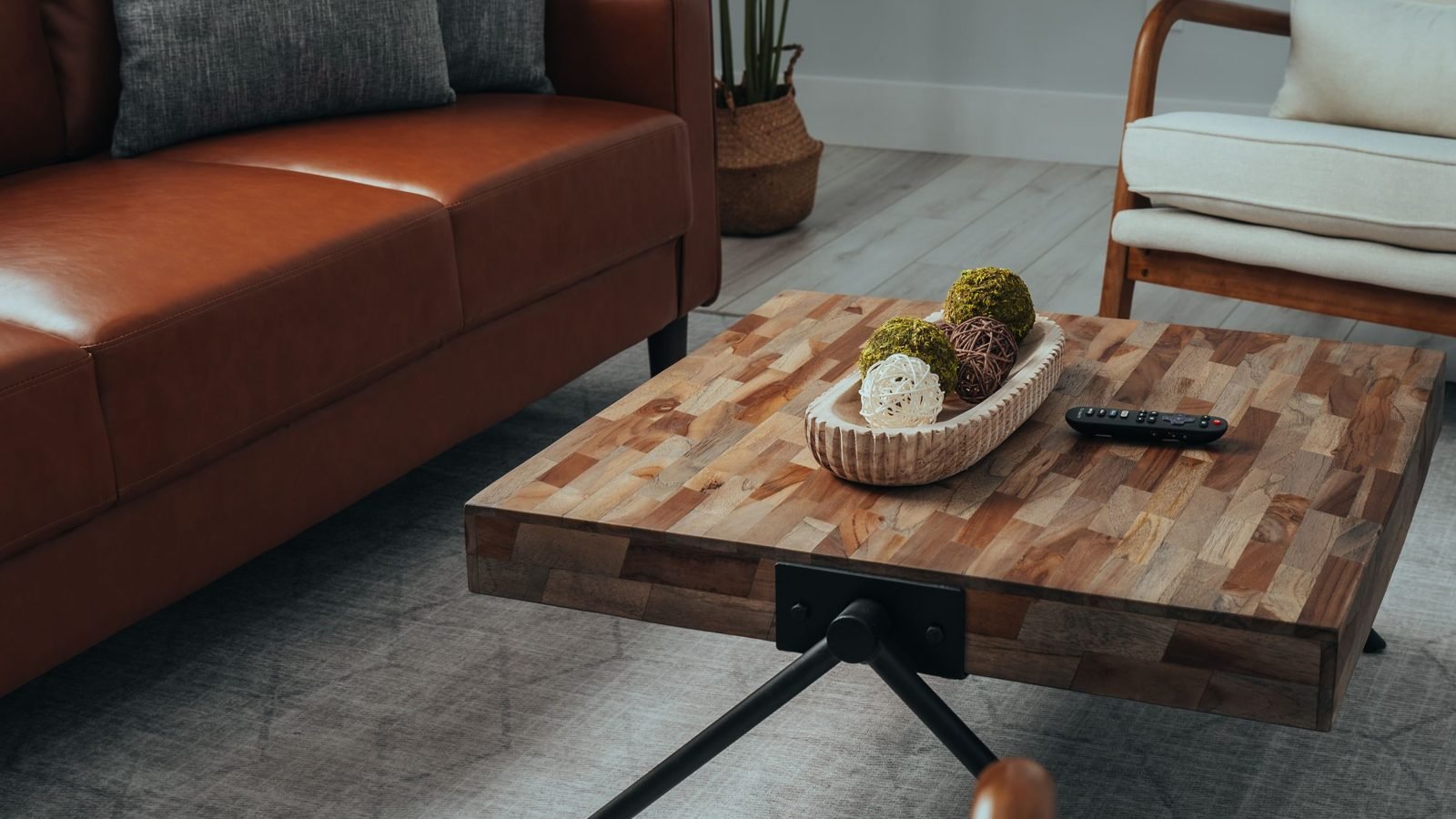
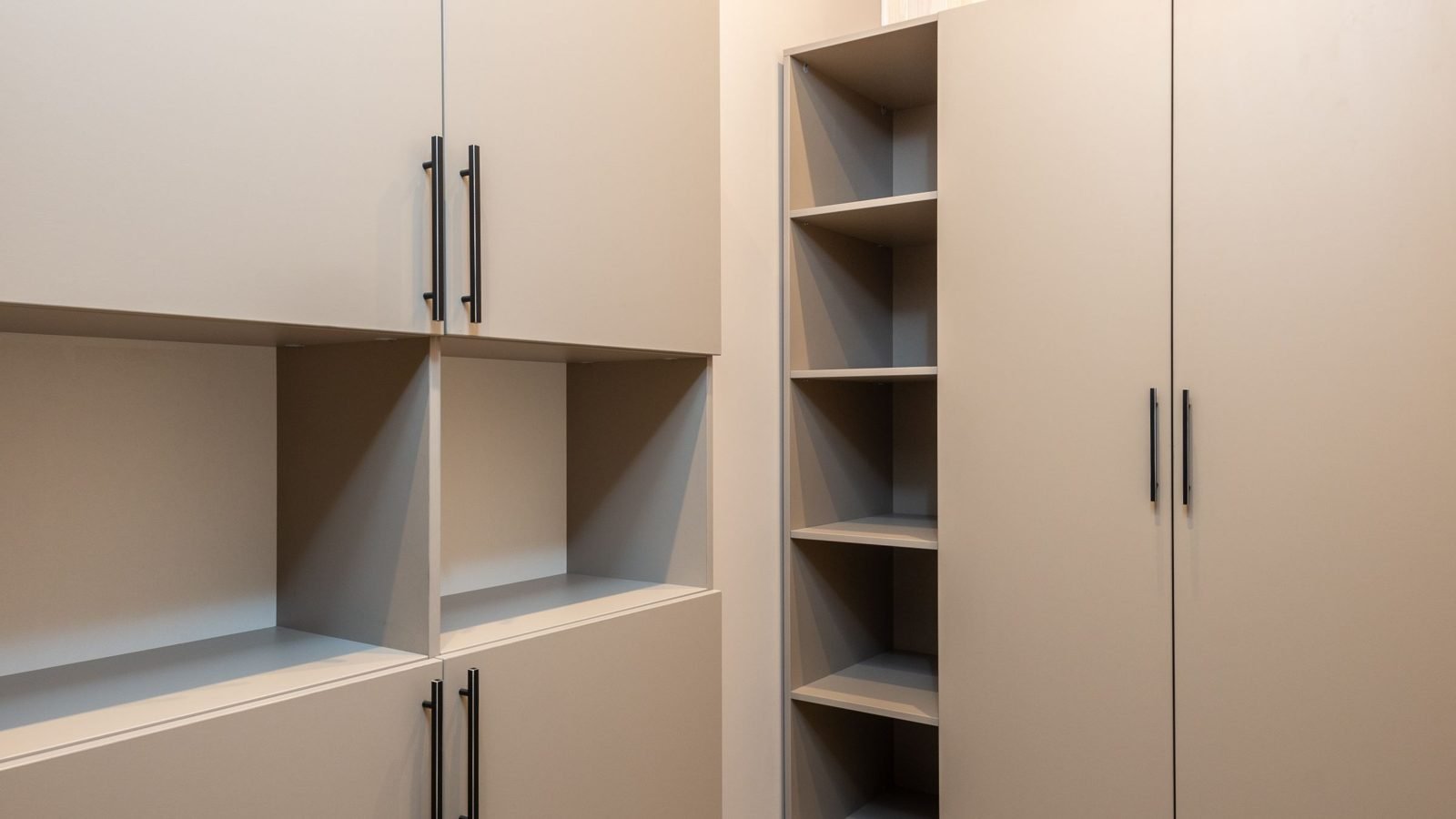
The photographs in this article illustrate a training example; they do not document a campaign or a Blogger Bank client's showroom display.
Turn inspiration into a visit preparation checklist
The video can end with a simple request: note the model name and gather information about the space where it will go. Rather than sending viewers off for “more inspiration”, give them a tool for the conversation. The checklist below is an editorial suggestion to copy into a personal note; it is not a Blogger Bank feature or a form automatically available at the showroom.
- Storage needs: what will go in the wardrobe, what is used daily and what is seasonal. Instead of “I need lots of space”, note whether the problem is hanging clothes, folded items or unusually shaped objects.
- Space for the furniture: the available dimensions and a simple sketch. Mark which measurements have been checked and which still need confirming before making a choice.
- Obstacles and surroundings: the room door, window, radiator, sockets and neighbouring furniture. The aim is to identify constraints to discuss, not to assess installation safety yourself.
- The model in the video: its name, variant and the address of the showroom where it should be available to view. Add a reminder to ask whether it is still on display before setting off.
- Questions for the salesperson: what can be changed inside the wardrobe, which elements are included in the set and what needs checking before ordering.
Training example: a customer is looking for a bedroom wardrobe, but after watching the video realises they want their most frequently worn clothes on shelves rather than a rail. They note this need and the fact that the room door opens beside the planned wardrobe position. In the showroom, they ask about the interior layout and the space needed to use the chosen variant. They do not arrive assuming the model in the video will definitely fit.
This example also changes the creator's brief: rather than presenting the wardrobe as perfect for everyone, they show viewers how to identify their own requirements. A viewer may conclude that they need a different variant. That is still a useful educational outcome; a store advertisement does not have to pretend that everyone should buy the same product.
The importance of gathering information about the room is supported by IKEA's guidance on planning living room storage, which asks for dimensions and information about features of the space. This does not mean your store offers the same consultations. Describe the scope of your own assistance separately, in line with what you actually offer.
Agree on display availability and the salesperson's role
Before filming, appoint someone to confirm the model and ensure the invitation remains accurate. Having furniture on display, being able to order it and its delivery date are different pieces of information. A “come and see it” video should not send viewers to a showroom where the product can only be ordered from a catalogue. Also state whether the exact variant shown by the creator is available to view.
The salesperson's job is to help explain the choice, not to play a satisfied customer. Agree who will answer technical questions, who will confirm the on-screen text and who will check the link before publication. Do not film incidental customers, their documents or order screens. Use fictional details without surnames or home addresses to demonstrate the visit checklist.
When the display changes, revisit every place where you use the material. Update the landing page, and if the video invites people to see a model that is no longer there, pause its promotion or agree on an edit. A note hidden far from the promise should not be the only way to fix an outdated invitation.
Connect the video, the local offer and enquiries
The link in the publication should lead to information about the specific showroom and the furniture shown. Check on a phone whether viewers can find the model name, address, opening hours, how to confirm the display and the consultation arrangements. If the business has several branches, do not send people only to a list of all stores without identifying the right location.
You can connect the material with an update on your Google Business Profile if the agreed usage rights cover this. Google's documentation describes posts with text, a photo or a video, and a button linking to a page. This is a way to share current information, not a promise of better search rankings or more visits.
Keep three observations separate: watching the video, contacting the store about the furniture and actually visiting. A campaign-tagged link helps identify some visits to the website, but it does not prove a store visit. A salesperson can ask customers, on a voluntary basis, how they heard about the model and record the answer without adding unnecessary personal details. No answer means an unknown source, not a visit attributed to the creator.
In a simple log, record the enquiry topic, the stated source and the next step: confirming the display, arranging a conversation or visiting. Do not automatically count messages and visits as separate customers. If questions about the shelf layout keep coming up, clarify the material. If people arrive to see a variant that is not there, correct the availability information before commissioning another video.
How to organise a creator collaboration through Blogger Bank
Choose a creator who can explain choices, not just show finished interiors. Look through their portfolio to see whether they name the differences between variants and show products in use. If they will publish on their own profile, also ask about their audience's geography. Living near the showroom does not mean the creator is watched by local customers.
In the assignment, distinguish publication on the creator's profile from delivery of files for the store's channels. In the first case, you are also commissioning access to their audience; in the second, you need material for your own communications. Specify the channels, usage period, permission to shorten the material and use it in paid advertising. Receiving a file does not automatically mean permission for all these uses.
Set up an advertiser account and add an assignment for a furniture demonstration. On Blogger Bank, you describe the work and collect applications, then choose a creator and agree on the details. Include the model name, the purpose of the customer's visit, the scenes to film, the showroom address, salesperson availability, the delivery deadline and usage rights. Confirm the final agreement in messages so the creator is not working from an outdated description.
The practical arrangements for the creator's visit are covered in the guide to inviting an influencer to your premises. For a furniture showroom, add a check of the display variant and the customer preparation checklist. When reviewing the work, assess whether the scenes, facts and link match the brief. Secure payment on the platform is tied to acceptance of the work, not to achieving a promised number of buyers.
An advertising post on the creator's profile should clearly disclose its commercial nature and identify the promoted brand. Check that the disclosure is visible on a phone and that platform tools are used in line with UOKiK's recommendations. In a multi-brand showroom, make it clear that the store commissioned the promotion; do not imply a collaboration between the creator and the manufacturer if none exists.
Start with an assignment about one piece of furniture and one customer decision. Before publication, follow the route from the video to the showroom information yourself. After the first enquiries, check what people still need to prepare for a visit.
Frequently asked questions
Where should furniture store advertising start?
Start with the decision a customer wants to make during a visit: examining a wardrobe interior, comparing finishes or testing comfort. Choose an available model and show what customers can learn in store and what they should prepare.
What should you show beyond a furniture photo?
Show the whole piece beside a person, then demonstrate normal use: opening doors, reaching shelves or examining the interior. Name the variant and point to exact dimensions; the camera's perspective does not replace product documentation.
What information should customers gather before visiting?
Customers should note their storage needs, available dimensions, obstacles in the room and the model name from the video. Add questions for the salesperson and confirm that the right variant is on display at the specific showroom before travelling.
Do you need a whole-home makeover?
You do not need to transform an entire interior to explain a furniture choice. Demonstrating one issue, such as access to wardrobe shelves, may be enough to prepare a conversation. The video should show limitations, not promise a universal solution.
How do you choose a creator for a furniture showroom?
Check whether the creator can explain differences between variants and show products in use. If they will publish on their own profile, assess their audience's geography too. Where a creator lives does not, by itself, confirm local reach.
What should you do when the display changes?
Check every place the video is used and update the landing page. If it invites viewers to see an absent model, pause promotion or agree on an edit. Distinguish display availability from the option to order from a catalogue.
How can you track the journey from video to visit?
Track website visits, model enquiries and actual store visits separately. You can invite customers to say how they heard about the product. Do not attribute every visit to the creator or treat a link click as proof of a store visit.
What should a Blogger Bank assignment include?
Specify the model, customer visit purpose, scenes, showroom address, salesperson availability and delivery deadline. Separate publication on the creator's profile from file delivery. Agree on usage rights, advertising disclosure and acceptance criteria before filming.