Content plan: how to plan content for your company

Short answer
A company's content plan should connect customer questions with topics, formats, channels and a specific next step for the audience. Start by auditing existing materials, then assign tasks, sources, deadlines, statuses and measurement. Record in-house content and creator commissions separately, but connect them through a shared topic. This makes clear what needs updating, writing or filming.
Build your content plan around customer questions and a review of existing materials, not empty dates on a calendar. Assign each topic an audience, format, channel, next step, factual source and owner. Keep in-house content separate from work commissioned from creators. Influencer marketing can add demonstrations of your product in use and reach the creator's audience.
Blogger Bank is an influencer marketing platform where a brand posts a brief and creators apply themselves. If your plan needs a video demonstrating a product, create a brand account and describe the content you want to commission. Prepare the customer's question, the expected format and the publishing destination. You still manage your overall communications plan; the platform helps organise collaboration on one specific part of it.
First, check what already answers customers' questions
A content plan should fill gaps, not produce more versions of the same answer. Collect links to guides, product pages, videos, newsletters and important posts. For each item, note which question it answers, whether the information is current and where it takes the reader or viewer next. Content without an up-to-date link to your offering may need fixing rather than replacing with a new article.
Divide your resources into content to keep, update and supplement. If you already have a good guide to choosing a backpack, plan an update and a video showing how to pack it. Do not commission a second guide simply because next week's schedule lacks a post. Add the existing content's URL to the new task so the author knows what not to repeat.
Gather ideas from sales conversations, customer service enquiries, your shop's search function and comments. Separate questions people actually asked from your own editorial hypotheses. “Will my laptop fit?” is a specific concern; “show the quality” is only a brand's wish. An anonymised question can be shared with a creator without revealing customer data.

Where can you find content ideas for your content plan?
Start with the buyer's decision: what do they need to know or see before choosing a product? A broad topic such as “lunch for work” does not yet tell you what is missing from the shop's materials. The question “how do I carry this lunchbox in a bag?” helps you check whether instructions are enough or a demonstration of closing and positioning the container is needed. Identify the missing answer first, then come up with a post title.
Record the wording of questions from customer service enquiries, comments and sales conversations, without including the participants' personal data. Then enter the product category or the start of a question in Google and look at the suggestions that appear as you type. Note a useful phrase, the date and the source: a customer conversation or a search suggestion. Open the results and see what the answers cover. Label your own hypothesis separately rather than presenting it as a question customers have asked.
Google explains how autocomplete works: the feature does not simply display the most frequent queries and is not equivalent to Google Trends (source checked on 16 November 2026). Treat suggestions as a source of wording, not an exact frequency count or a popularity ranking of questions. Related queries do not prove that the same people entered them either. The presence of a phrase alone does not justify a new publication.
Before adding a topic to the plan, check whether it relates to your offering, whether the brand can substantiate the answer and whether the answer already exists. If you have current instructions, link to them or plan a demonstration of a detail that a photo does not explain. Reject topics that require unconfirmed promises. In the note for the selected piece, keep the question, the URL of the existing material, the missing element and the person checking the facts.
A training example, not a Blogger Bank project: a Polish lunchbox shop chooses a question about carrying a container in a bag. The brand checks the instructions for that model to confirm the permitted use. The creator demonstrates closing the container, positioning it and putting it in the bag according to the instructions. The video must not suggest leakproofness unless it has been confirmed; a single successful shot does not prove resistance to leaking. If information about transporting liquids is missing, the shop clarifies it first instead of commissioning a scene with soup.
Turn the chosen topic into a task: show the specific model, the closing action and its position in the bag; state only approved properties; direct viewers to the instructions on the product page. Add the format, channel, deadline and acceptance criterion: viewers should see how to pack it, not hear generic praise. Leave the creator freedom of expression, but not freedom to invent product features.
A second training example: a café guest asks what a dish contains. The café confirms the ingredients using the current recipe, while the creator shows how the dish is served and what the portion looks like. They do not identify ingredients solely from the image. If the menu already answers the question, the video should supplement it with a demonstration, not repeat the list without adding information. Neither example is a Blogger Bank client story.
Every row in the plan should be actionable
A shared spreadsheet or task tool that the team checks is enough. Clear fields matter more than the software. Anyone opening an entry should know what to create, what to base it on and whom to hand it to. A title such as “New collection” with a date is not enough for either an editor or a video creator.
- Question and audience: whose decision you are helping with and which uncertainty is blocking their next step.
- Topic and scope: a working title, the main answer and what the content will not cover.
- Format and channel: what will be created and where it will be published; list the brand's and creator's profiles separately.
- CTA and URL: a specific action after reading or watching, plus a checked landing page.
- Source: a product sheet, instructions, an expert interview or your own observation, with the date it was checked.
- Owner and approval: who creates the content, who checks the facts and who approves publication.
- Deadlines and status: delivery, approval, publication and the current stage of work.
- Usage and measurement: agreed usage channels, where the agreement is recorded, a metric and a date for reviewing the result.
Topic, format and channel are not interchangeable. A question about backpack capacity can be answered in a shop guide, a creator's video and a message to subscribers. Each piece needs its own task because the production process and CTA differ. Connect them through a shared topic, but do not mark the entire set with a single “done” status.
No single publishing frequency suits every company. Match the number of publications to customer questions and your capacity to prepare and check materials. Updating useful content may be a better task than producing another similar post.
Choose a format for the evidence that is missing
Text works when you need to compare specifications or explain a procedure. Video makes sense when a buyer needs to see movement, scale or how something is used. A newsletter can remind people already interested in the topic about an existing guide. Do not choose every channel at once: check where your company can reach the right audience and respond to their reactions.
Your own team usually has access to current product information, delivery terms and customer questions. A creator contributes a way of showing the product in an everyday situation. They do not replace technical documentation and should not add properties the brand has not confirmed. Separating these roles prevents the plan from becoming a series of similar, generic endorsements.
If you want to build a recurring series of creator content, see how to organise content marketing with creators. Here, the starting point is the company's broader content inventory: it also includes shop updates, editorial work and newsletters, not just external collaborations.
A sample month for a backpack shop
The April plan below is a training example for a fictional shop, not a Blogger Bank client case or a promise of results. The month's goal is to help commuters choose a backpack. The dates illustrate the order of work, not a recommended publishing frequency. All results remain to be measured; we do not enter predicted sales in advance.
Week one: improve the answer in the shop
Publication on 6 April — guide: “How to check whether your laptop will fit in a backpack”. Buyer's question: can I compare my computer with the compartment dimensions? Format and channel: an update to a guide on the shop's blog. CTA: check the specified model's dimensions on its product page. Source: product documentation verified by the person responsible for the range, without guessing compatibility from screen size alone.
Owner: the shop's editor; fact approval: the product owner. Text due on 2 April, decision on 3 April. Initial status: to update. Assets: in-house photos with confirmed usage scope. Measurement: visits from the guide to the product page, reviewed on 20 April. If the link does not work, the task goes back for correction even if the text is ready.
Week two: commission a packing demonstration
Publication on 13 April — video: “What I pack in my backpack for a day at the office”. Question: how do the items fit inside? Format and channel: a vertical video commissioned from a creator for the brand's profile, with no publication on the creator's account in this task. CTA: open the featured model's product page using the link provided with the post. Source: actual packing and the approved product sheet.
Owner: the selected creator; acceptance: the social media manager. Draft due on 8 April, approval on 10 April. Initial status: to commission, once product and creator availability are confirmed. Usage scope: the brand's profile, with details recorded in the agreement before filming; paid advertising is not part of this example. Measurement: available viewing data and visits through a tagged link, reviewed on 27 April.
Week three: make comparison easier
Publication on 20 April — carousel: “What to check before choosing a backpack for work”. Question: which features should I compare before buying? Format and channel: a carousel on the brand's profile based on the first week's guide. CTA: visit the full guide. Source: the verified text and product specifications. This adapts an existing answer rather than adding a new list of unconfirmed benefits.
Owner: the social media manager; approval: the product owner. Draft on 15 April, approval on 17 April. Initial status: awaiting the guide update. Assets: the shop's graphics and photos, without frames from the creator's previous task. Measurement: visits to the guide from the post and questions under the carousel, reviewed on 30 April.
Week four: follow up with interested readers
Send on 27 April — newsletter: “Choosing a backpack for work? Start with the dimensions”. Reader's question: where should I start if I have been putting off the purchase? Format and channel: a message to recipients eligible to receive the shop's newsletter. CTA: read the guide. Source: the current version of the guide, without adding a new product promise.
Owner: the newsletter manager; approval: the editor. Draft on 22 April, approval on 24 April. Initial status: planned. Assets: the shop's own copy and photo; the creator's video is not copied into the message. Measurement: clicks on the guide link, reviewed on 4 May. The later review date stays in the record even after the publishing month has ended.
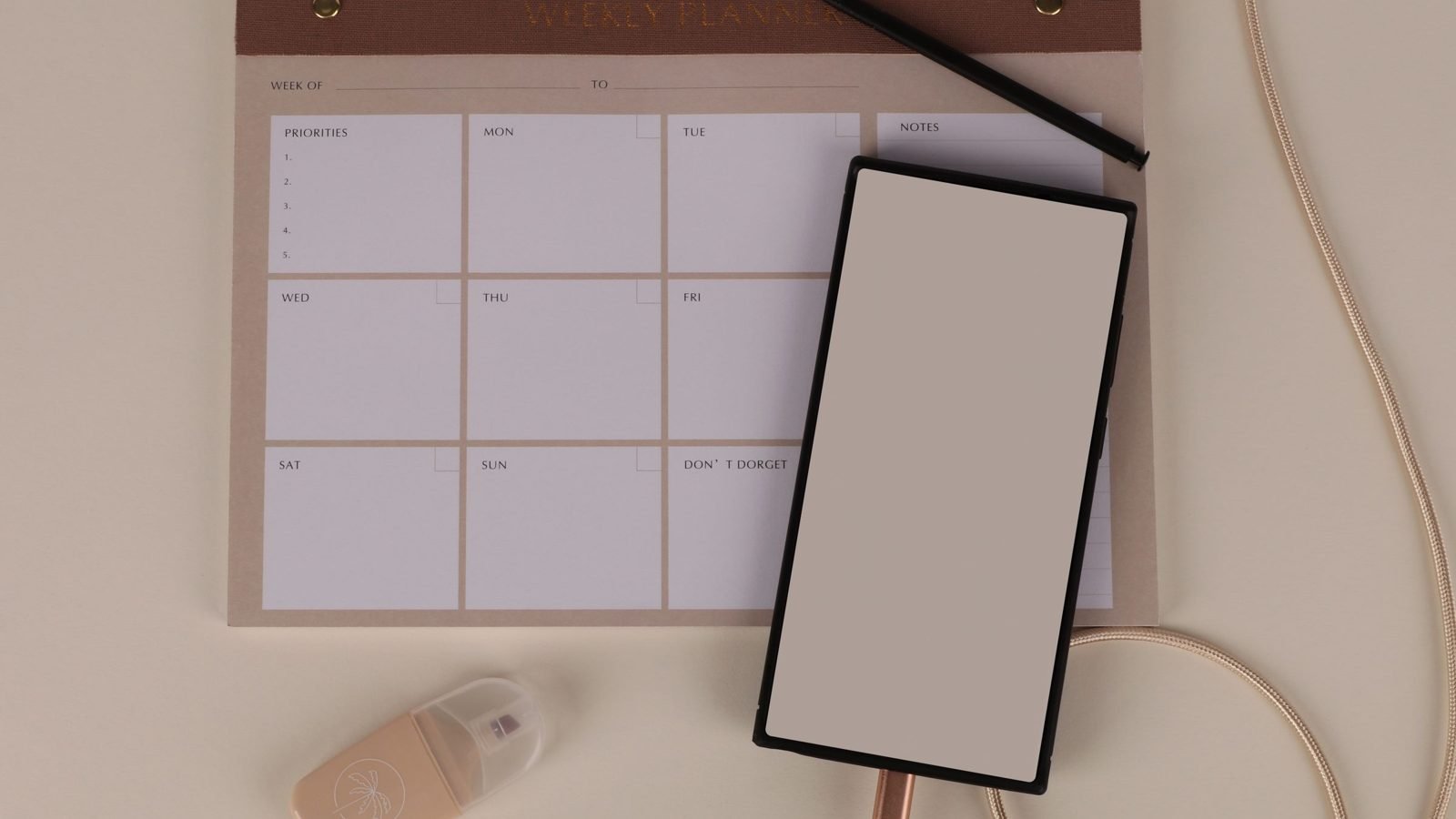
From a content plan to a specific brief
In the sample month, the brand commissions a packing demonstration from a creator. The guide, carousel and newsletter stay with the team. Copy the buyer's question, backpack model, usage scenario, file format, deadlines and acceptance process into the brief. Record where you want to use the video and what must be agreed before production. The “rights” field in the spreadsheet should point to the agreement, not replace it.
Create a brand account on Blogger Bank and prepare a brief for the video in your plan. Include the terms and required deliverable in the description. Creators will apply themselves; compare profiles and work samples against the packing demonstration task. Messages, the contract and payment are attached to the same brief, and funds go to the creator after the content is accepted. The about Blogger Bank page explains the process features.
Do not confuse commissioning a file with commissioning access to the creator's audience. If you also want publication on their profile, add a separate task specifying the channel, CTA and reporting method. The guide to planning an influencer campaign explains the full collaboration process. The content plan should show this dependency, but does not have to store every campaign agreement.
After publication, adjust the plan based on responses
The “published” status does not end the work. Add the live URL, confirm that the CTA works and check the result on the agreed date. Separate delivery from impact: a delivered video is a production output, views indicate content consumption, and visits to the product page indicate a next step. None of these alone proves that the content increased sales.
If people still ask about dimensions, check whether the answer was visible. If they click but go no further, inspect the landing page before commissioning another video. Mark missing data as missing, not zero. At the end of the month, record a decision for each topic: keep, improve, expand or postpone, with a short explanation.
Start with one customer question: find the existing answer, complete a row in the plan and identify the missing content. If you need a creator's demonstration, you already have the basis of a brief rather than just an empty slot on the calendar.
Frequently asked questions
What should a content plan include?
A content plan should include the audience's question, topic, format, channel, CTA, factual source, owner, approver, deadlines and status. Add content usage agreements, plus a metric and a date for reviewing the result after publication.
Where can you find social media content ideas?
Gather content ideas from customer questions, comments, sales conversations and search suggestions. Choose concerns related to the company's offering. Then check whether an answer already exists and whether it needs text, a photo or a creator's demonstration.
How can you find post ideas on Google?
Enter a customer's problem or product category and check suggestions as you type. Record useful wording with the date. Then review the results and choose questions the brand can answer specifically, without duplicating its own materials.
Do Google suggestions show the most popular customer questions?
Google suggestions are neither a ranking of the most popular questions nor an exact measure of search volume. They help identify wording for further analysis. Check their relevance to your offering and actual customer conversations before adding a topic to the plan.
How can you turn a customer question into an idea for a reel or UGC video?
Choose a question best answered by showing the product in use. Specify the situation, shots, confirmed product features and the viewer's next step. Give the creator the goal and limitations, leaving room for a natural presentation of the answer.
Where should you start planning company content?
Start with customer questions and an audit of existing materials. Check which answers are current, which need improving and which are missing. Only then choose new topics, rather than filling the calendar with posts that repeat existing content.
Which content plan task can you commission through Blogger Bank?
You can describe content for a creator to produce, such as a product packing demonstration. Specify the format, deadline, intended use and acceptance criteria. Creators apply to the brief, and the brand selects an owner and accepts the result.
How can you check whether a content plan works?
Assign a metric to each piece's goal and set a review date. Check task completion, working links and audience responses. Clicks are not sales, and missing data does not mean zero. Record your decision about the next publication.